NV30/NV40 Operations and Maintenance Manual Operating the transmitter
Issue 3.3 2014-12-10 Page 2-21
Copying logs
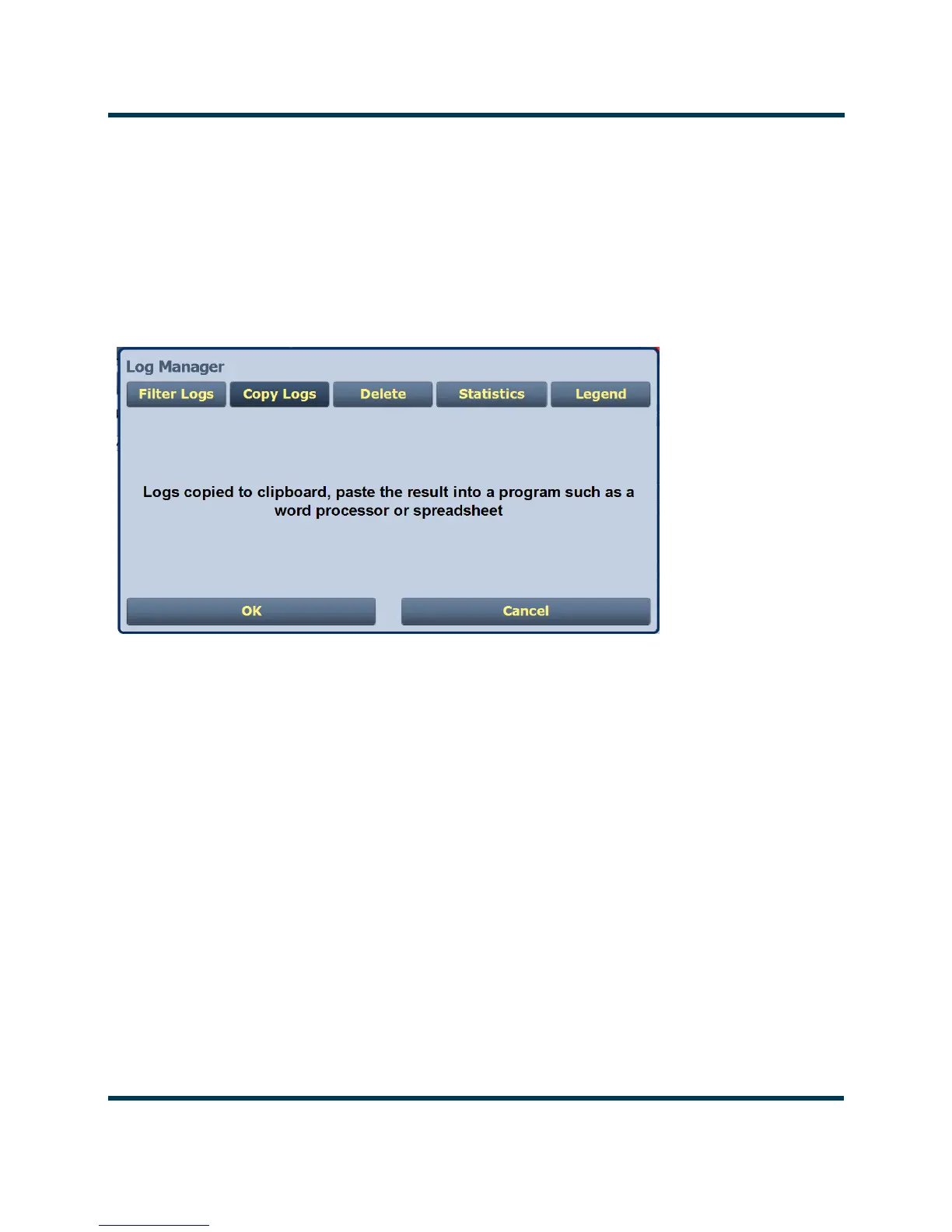
You can create a copy of all the logs in the selected list while remotely logged into AUI (these are
copied to the remote user’s computer clipboard) by clicking on the Copy Logs button in the log
manager (see Figure 2.11). You can paste the tab-delimited text copy of the logs into a text editing
program such as Word, Excel, Notepad, etc. Press OK or Cancel to close and return to the
Transmitter Log.
Figure 2.11: Log Manager - Copying Logs
Deleting logs
You can delete all events or a selection of events by clicking on the Delete button in the log manager
(see Figure 2.12 on page 2-22).
Delete by date - activates the calendar and clock (24-hour clock) where users can press the arrows to
establish a date and time. Log events older than this date will be removed from the events list.
Delete All - removes all the logs in the list.
Press OK to accept the configuration or press Cancel button to close this window and return to the
Transmitter Log.



 To Next Page