NV30/NV40 Operations and Maintenance Manual Operating the transmitter
Page 2-24 Issue 3.3 2014-12-10
Viewing the legend
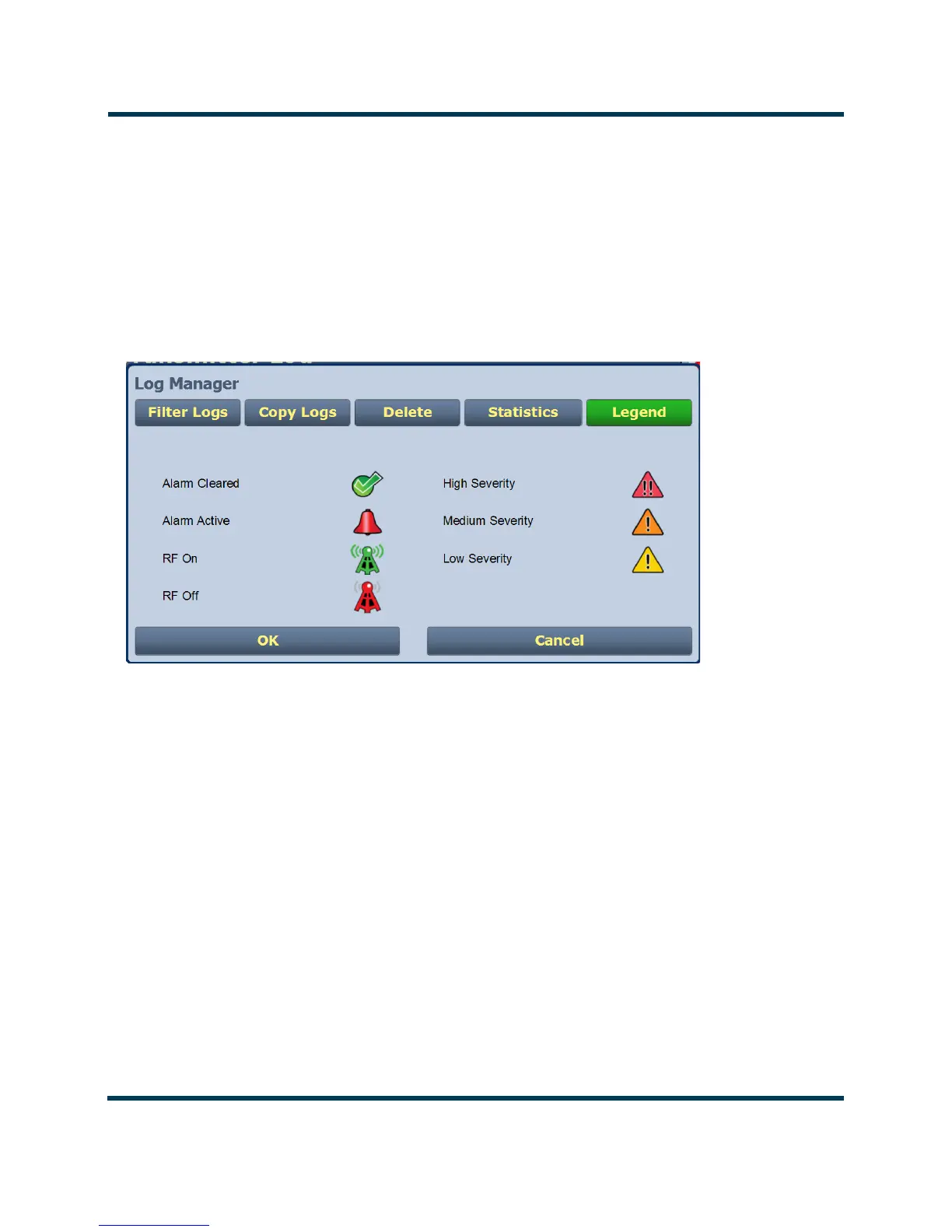
The Legend tab is different from the other tabs. Press the Legend tab to display a window describing
the meaning of the symbols that appear in the
State and Severity columns of the Logs page (see
Figure 2.14).
Press OK or Cancel to close this window and return to the Transmitter Log.
Figure 2.14: Log Manager - Legend



 To Next Page