NV30/NV40 Operations and Maintenance Manual Operating the transmitter
Issue 3.3 2014-12-10 Page 2-71
Reset
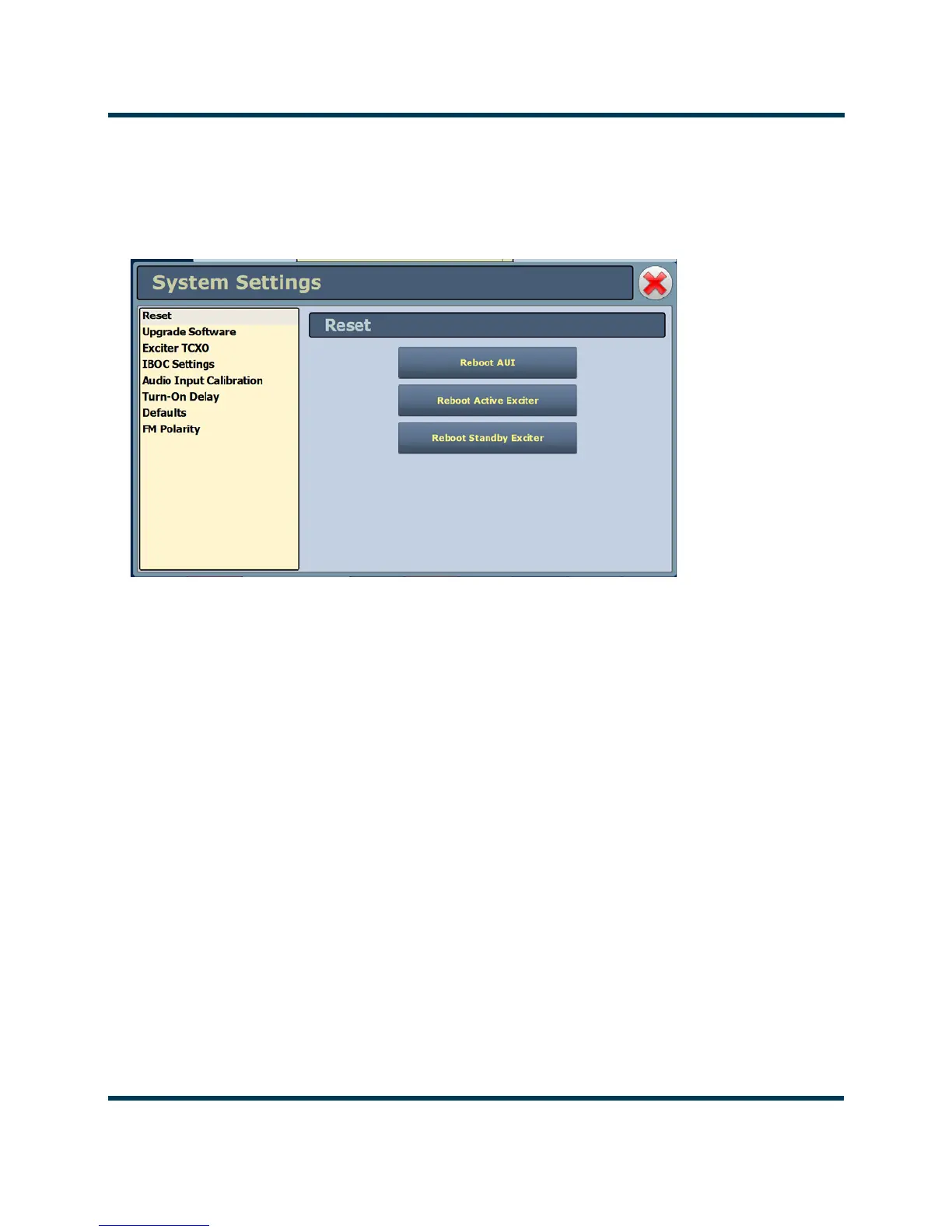
The Reset page (see Figure 2.52) allows users to reboot three items - the AUI, the active exciter and
the standby exciter (if installed).
Figure 2.52: System Settings - Reset
Procedure to reset the AUI or either Exciter:
1. Select the Reset option from the left-side of the System Settings page to open a related
window on the right-side of the page.
2. Reset the items by pressing the appropriate key.
• To reset the AUI (advanced user interface), press
Reboot AUI.
• To reset the active exciter press Reboot Active Exciter
• To reset the standby exciter press Reboot Standby Exciter.
After rebooting the AUI, users will need to log back into the transmitter AUI once again (see Logging
into the AUI on page 2-3). If the active exciter is rebooted, the transmitter’s RF power will be
interrupted if in RF On mode but the AUI will not be reset. If the standby exciter is rebooted, the
transmitter’s RF power will not be interrupted if in
RF On mode, nor will the AUI be reset.



 To Next Page