3 Connecting external equipment
External equipment can be any device complying with NMEA0183 standard or a PC with appropriate
AIS software installed. For information about the data see section 4.2 Data Port Messages (NMEA
0183).
3.1 Connecting to a PC
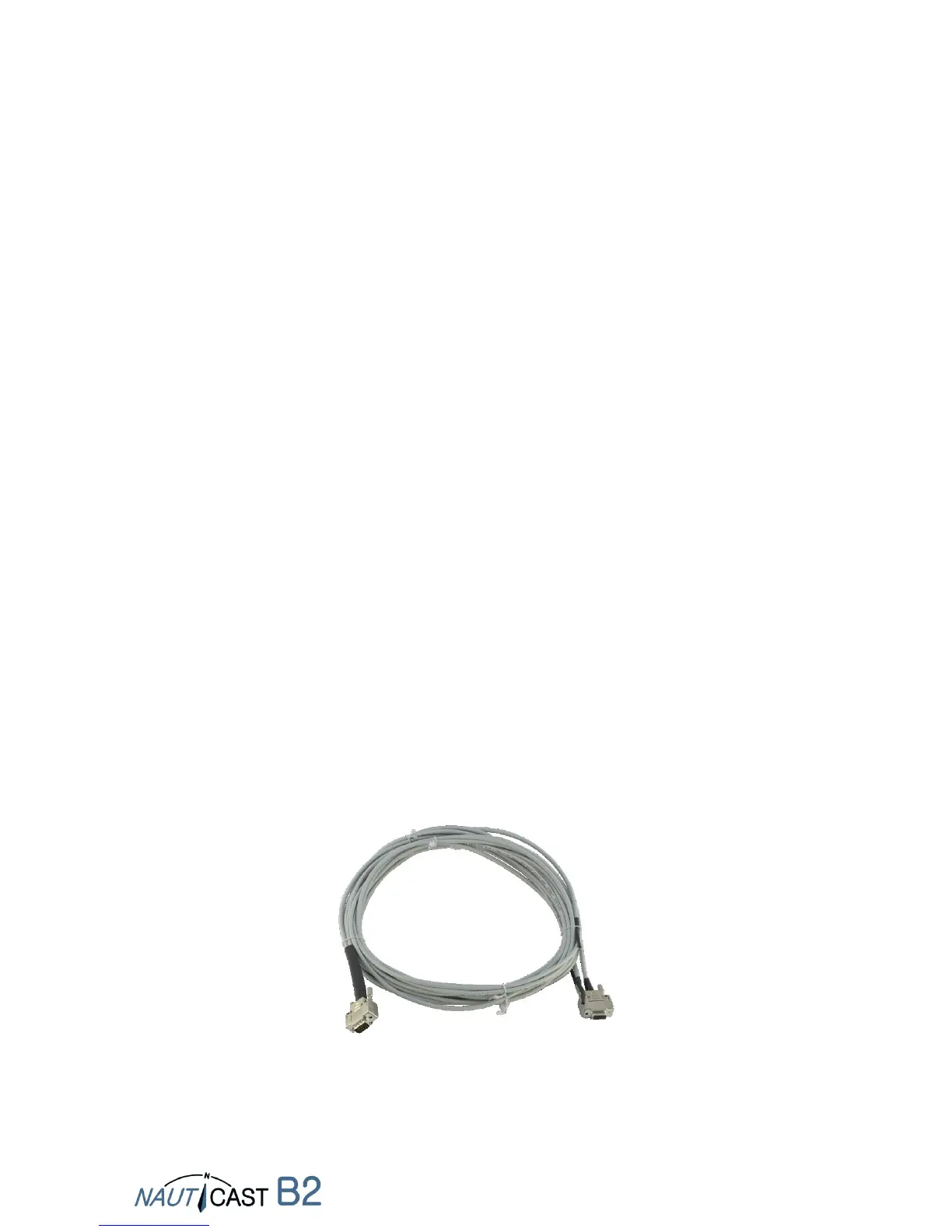
The connection to a PC can be established either via USB (provides a Virtual Serial Interface) or with
the optional Data Cable (prod. No.: 3001004) and a serial interface (RS232), if the latter is available.
3.2 Connecting to other marine equipment via NMEA0183 (optional data cable
required)
All other devices that support the NMEA0183 standard can be connected with Cable 1 (RS422) of
the optional Data Cable (prod. No.: 3001004). (see Appendix B for more details).
Note: Connections via USB and RS232 use a Baud rate of 115200 by default. If you are
connecting trough RS422 the default Baud rate is 38400. Please make sure to adjust the
port settings on any connected equipment accordingly.
3.3 Connecting an alarm relay (optional data cable required)
An alarm relay (prod. no.: 3001009) can be connected with Cable 3 of the optional Data Cable (prod.
no.: 3001004). (see Appendix B for more details).
3.4 Silent mode (optional data cable required)
By connecting a silent mode switch with Cable 3 of the optional Data Cable (prod. no.: 3001004)
the transmitting function of the Nauticast B2 can be switched off on on. (see Appendix B for more
details).
Note: The TX LED will start flashing when the silent mode is active.
3.5 External LED status indicators (optional data cable required)
If the Nauticast B2 is not visible and the status LEDs should still be monitored, external LEDs can be
connected with Cable 4 of the optional Data Cable (prod. no.: 3001004). (see Appendix B for more
details).
Note: The optional data cable provides the functions on the 4 output cables
simultaneously. Therefore only one cable is needed.


 To Next Page