AE- 1 5 0 s y s t e m – U s e r M a n u a l
18
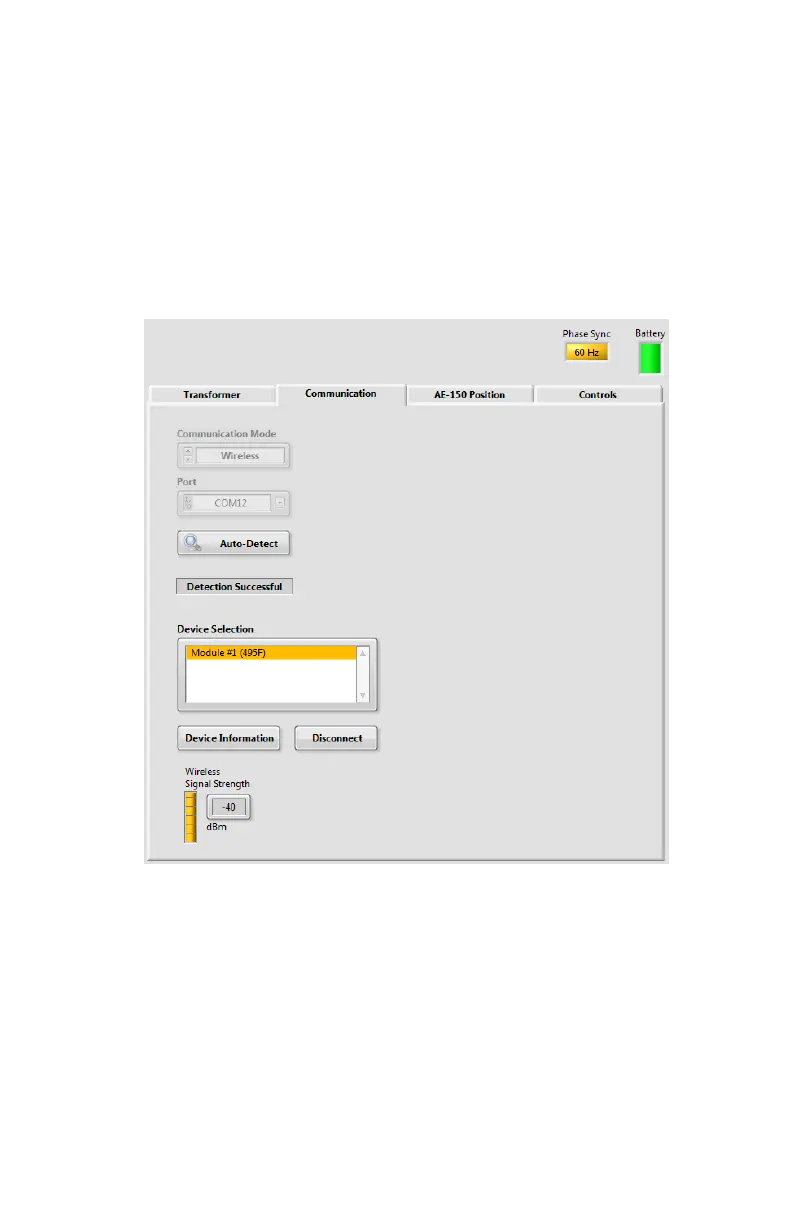
Communication tab
Click the Communication tab.
Select the communication method (wired or wireless) from the
Communication Mode dropdown menu.
Select the communication port.
Click the Auto-Detect button.
Communication will be established automatically between the
computer and the AE-150.
AE-150 position
Click the AE-150 Position tab.
Type the previously measured location of the center of the AE-150
from the tank origin point.
Select the tank wall on which the AE-150 is installed.
Select the AE-150 rotation angle.


 To Next Page