
 Need help?
Do you have a question about the Neat IOR and is the answer not in the manual?
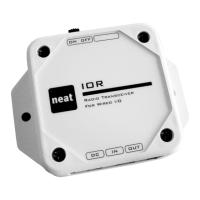
Identifies key hardware components such as power switch, jumpers, LED, button, and connectors on the IOR unit.
Provides a sequential guide for physically installing and connecting the IOR device.
Explains how to configure the IOR's power saving mode using jumper J6 based on the power source.
Details the pin layout for the input jack and jumper settings for configuring input modes (normally open/closed).
Describes the three output modes (Pulse, Toggle, Static) and their configuration via jumpers J4 and J5.
Step-by-step instructions for programming alarm transmitters to activate the IOR output.
Guide on programming the TREX receiver to detect alarms sent by the IOR unit.
Instructions for programming the NEO device to receive specific alarm types from the IOR.
Steps to program the NEO device to activate the IOR's output remotely.
 General
| Brand | Neat |
|---|---|
| Model | IOR |
| Category | Transceiver |
| Language | English |

 To Next Page