Controlling IOR from Home Care Phone NEO
The NEO can be programmed to activate the output of a particular IOR,
either when the alarm button on the NEO is pressed or by command
from the alarm central.
Before starting, you must decide which receiver position
Y to use in the
NEO. If the IOR output shall be activated by pressing the alarm button
on the NEO, any position can be chosen. However, you must use the
NEO Programmer to change the alarm type for that position to Send
radio on alarm.
If the IOR output shall be activated by command from the alarm
central, position 8 shall normally be used unless the alarm central has
informed you otherwise.
To program NEO to activate the output of an IOR, follow these steps:
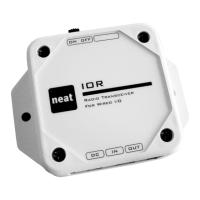
1. Remove the lid of the IOR.
2. Press and hold the grey button on NEO while switching NEO on.
3. Wait until
Y beeps are heard and release the button.
4. Press and hold the button inside IOR for more than 3 seconds and
then release the button (see foot note on page 11).
5. The home care phone sounds and indicates that the radio code
from IOR is stored.
13


 To Next Page