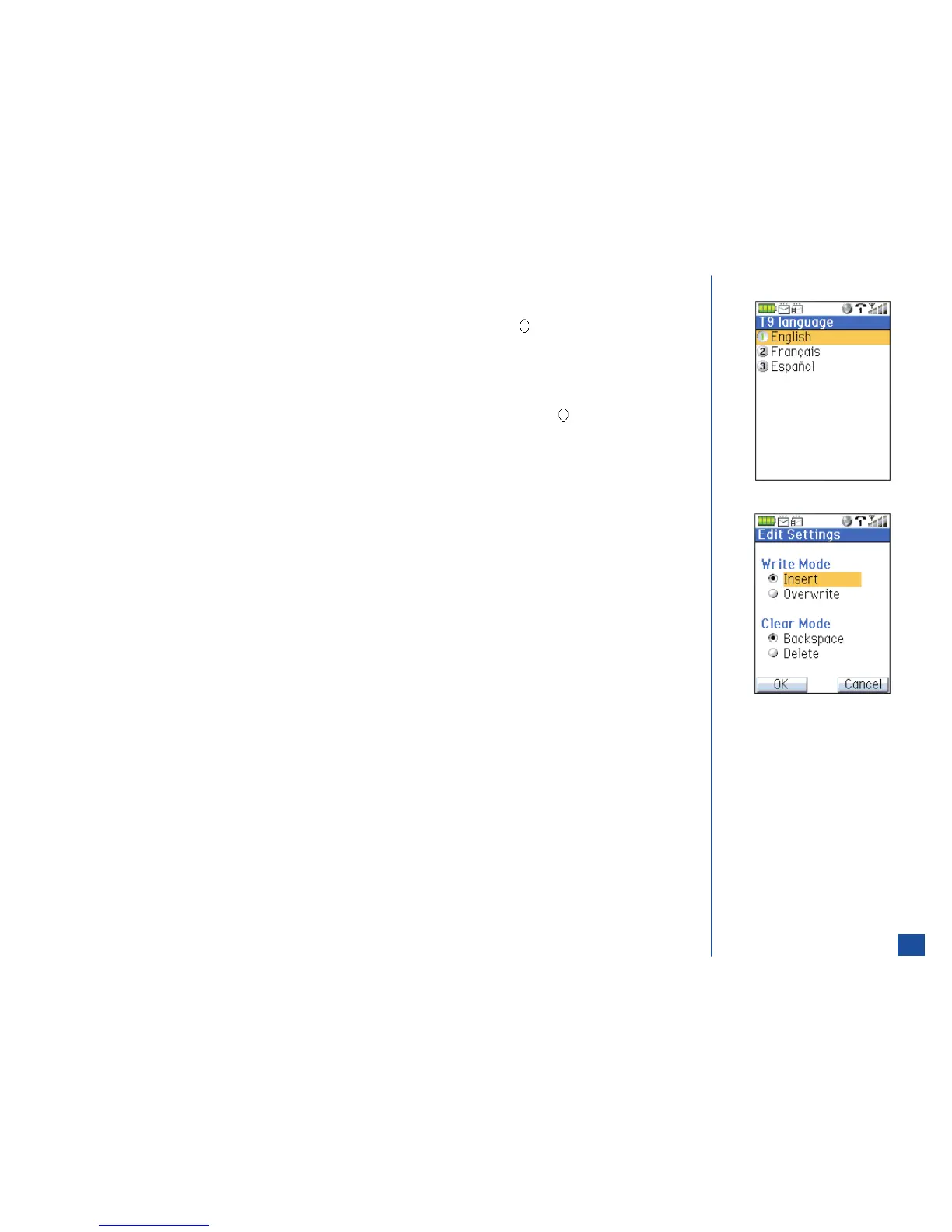
T9 Text Language
*
Press MENU (Options Menu) and 7 to display the T9 language screen.
Input the number or use the navigation keys to highlight the preferred language and press (Select) to return to the text editor
screen.
Text Edit Settings
*
Press MENU (Options Menu) and 8 to display the Edit Settings screen.
Use the navigation keys to highlight the type of write mode and clear mode of text entry and press (Select) to select the radio
button.
Press Softkey 1 (OK) to save the settings and return to the text editor screen.
62



 To Next Page