English - 17
Hook t he hanger pins of the cabinet s of the second row to t he m ounting bars.
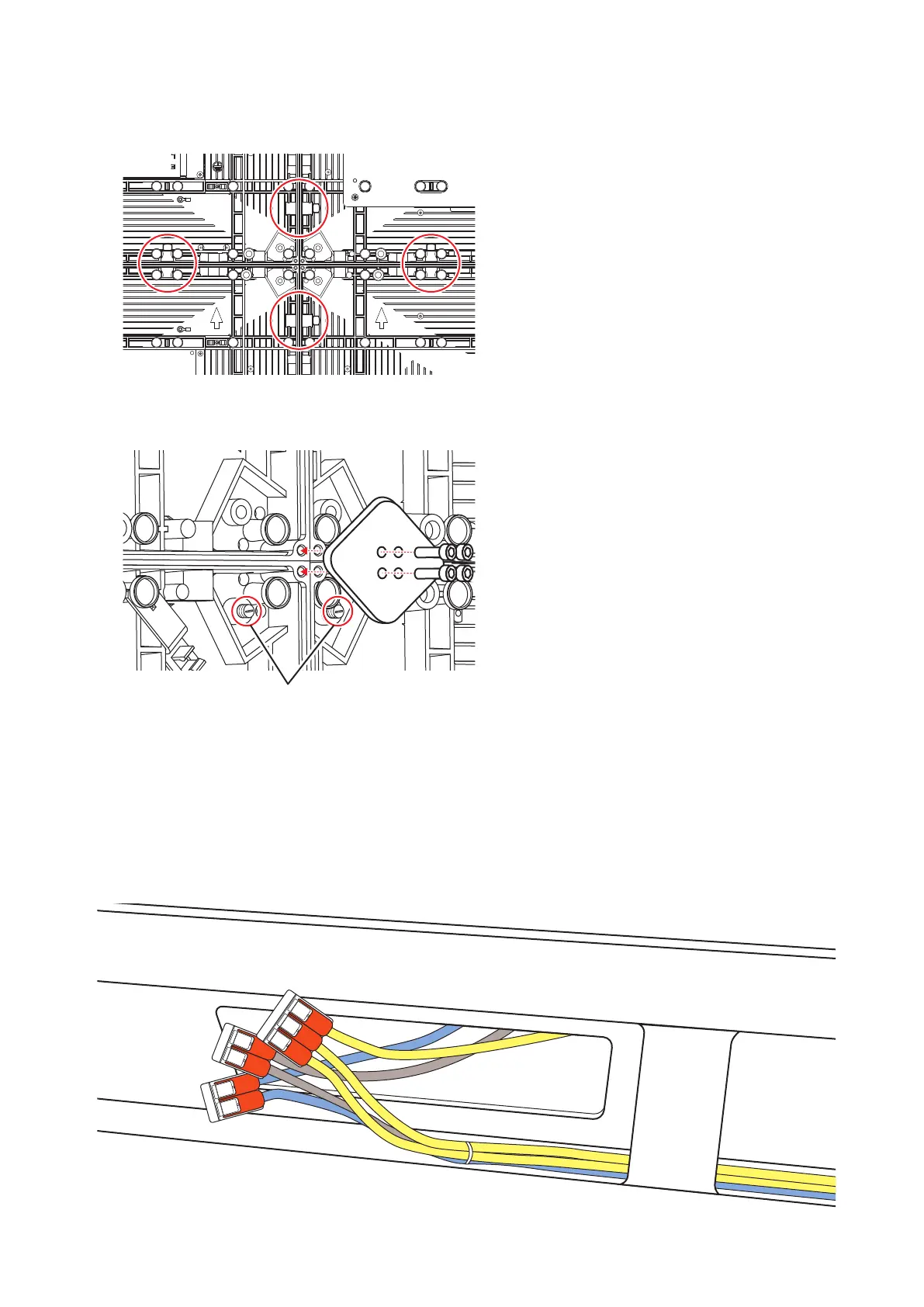
Secure the LED cabinet s t oget her using connect ion screws for LED m odules. Do not t ight en the screws
com plet ely.
Aft er you have inst alled two rows of cabinets, align t he surfaces of the cabinets using t he cabinet alignm ent
bracket s.
A
When the cabinets’ surfaces are aligned, securely tighten the cabinets of the rst row to the bottom frame, the
cabinets of the rst row together, as well as the cabinets of the rst row with the cabinets of the second row.
Rem ove t he cabinet alignm ent brackets after the screws have been t ightened.
Adjust the position of the cabinet and the mounting bar by rotating the screws A on the gure with a at blade
screwdriver. Rotat e the screws counterclockwise t o bring t he cabinet closer t o t he m ount ing bar.
Follow the sam e procedure to install t he next row of cabinet s and align their surfaces.
Connect the power cord and t he LAN cable from the opening at t he back of t he bot t om fram e.



 To Next Page