English - 34
(3) I f m ult iple LED cont rollers are used, select t he num ber of t he connect ed LED cont rollers.
Since only one controller is used in t his exam ple, it is not necessary t o set “ Sending Card Num ber” ( e) .
(4) Congure the connection.
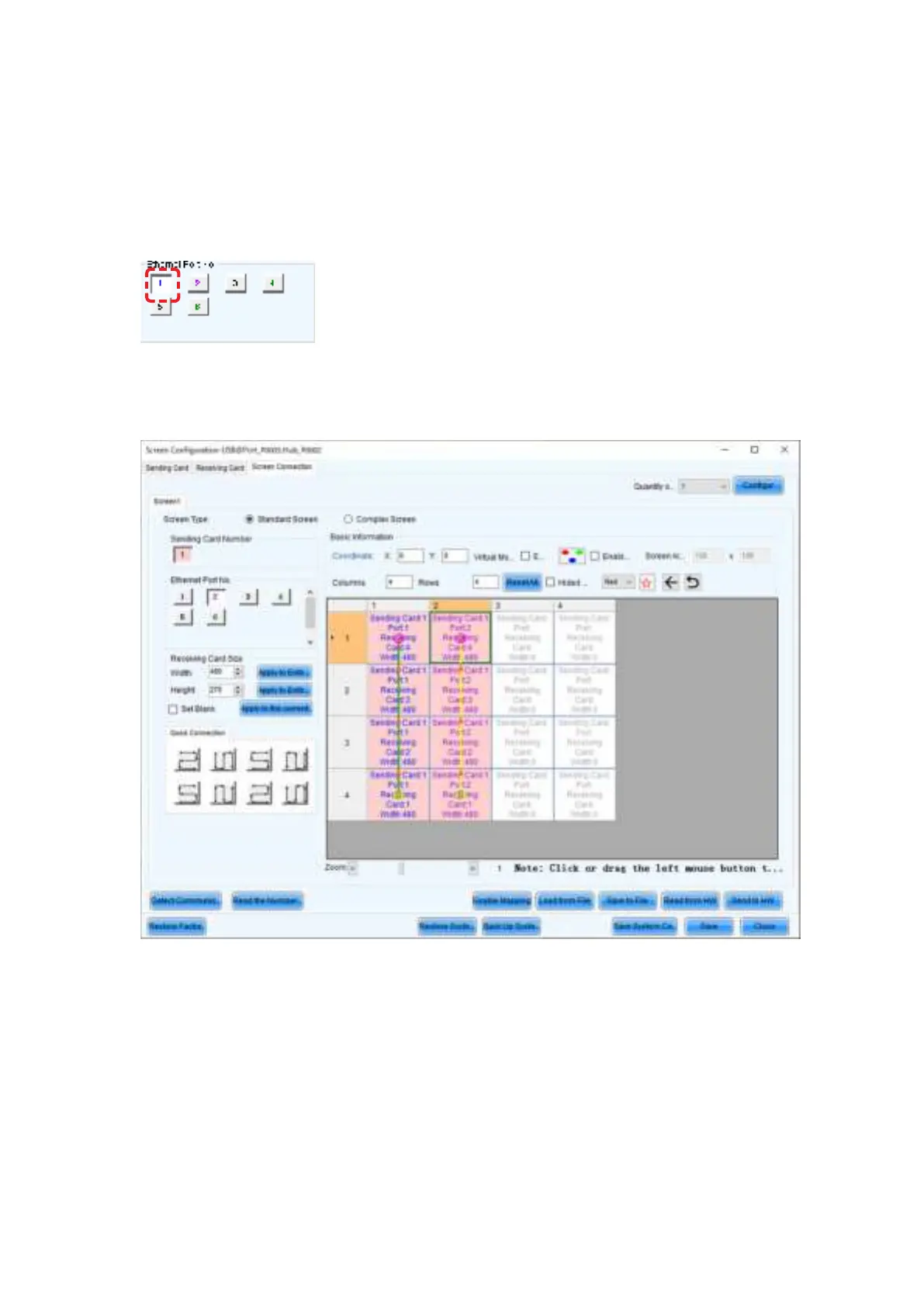
(4) -1 Connect ing from bottom t o t op using m ultiple port s
The syst em is connect ed to port 1 of the LED controller.
Select “ 1” ( port 1) under “ Ethernet Port No.” ( f) .
Select the cabinet at t he bot t om left wit h t he m ouse, and t hen select t he ot her cabinets up to t he top
cabinet .
Then select Port 2 and select t he cabinet s from t he bot t om to the t op as you did for Port1.



 To Next Page