7
1. Introduction
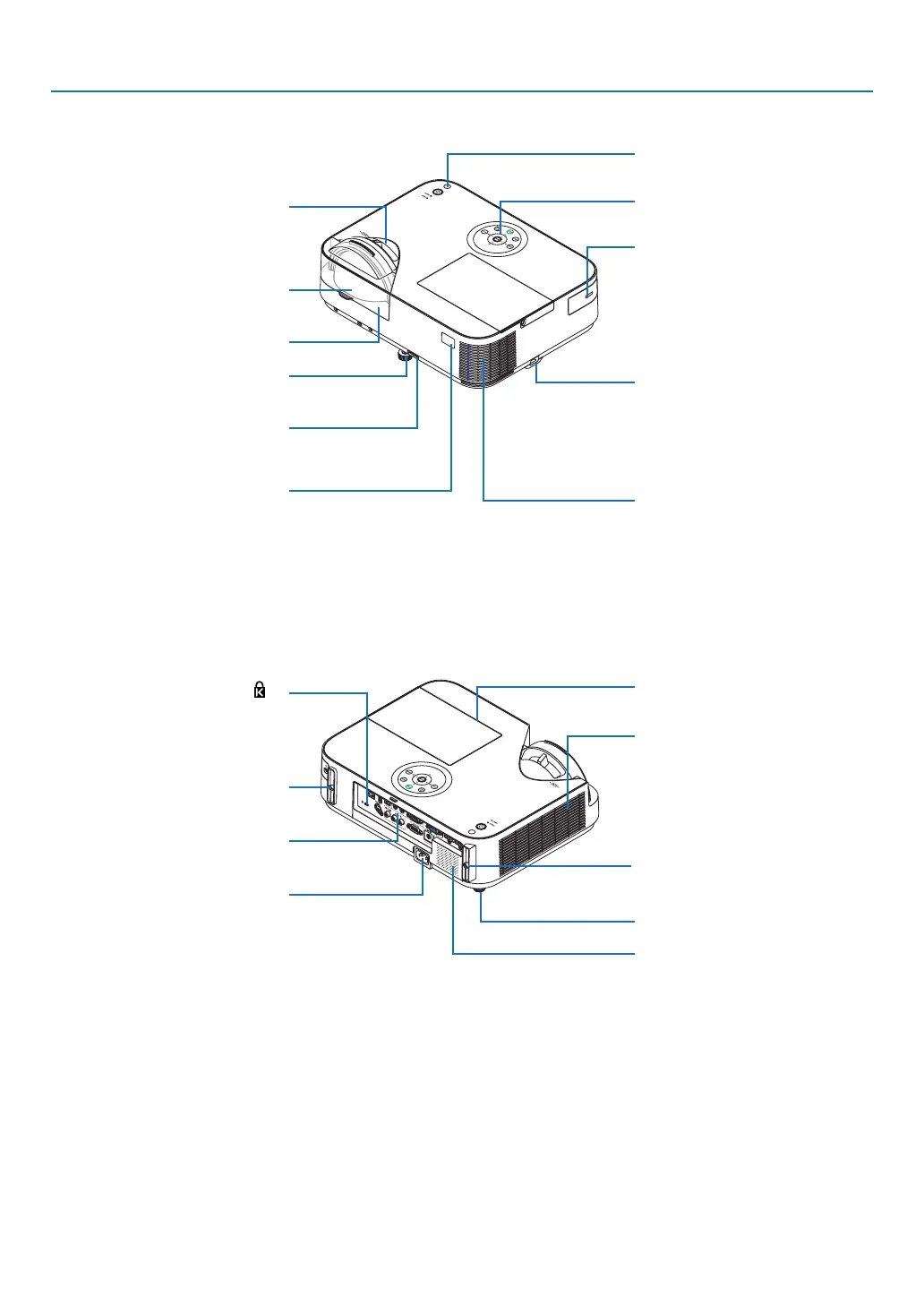
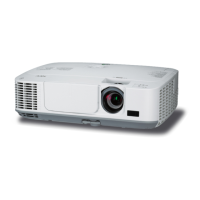
Focus Lever
(→ page 23)
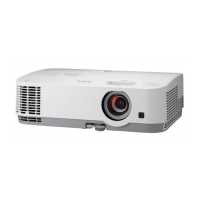
Front/Top
[M352WS/M302WS/M332XS]
Remote Sensor
(→ page 11)
Exhaust Vent
Heated air is exhausted from here.
Lens Cap
Adjustable Tilt Foot Lever
(→ page 21)
Adjustable Tilt Foot
(→ page 21)
Lens
Security chain opening
Attach an anti-theft device.
The security chain opening accepts
security wires or chains up to 0.18
inch/4.6 mm in diameter.
Controls
(→ page 8)
Port Cover for Optional USB
Wireless LAN Unit
When using the optional USB
Wireless LAN Unit, first remove
the cover. (→ page 129)
Light Sensor
(→ page 95)
ACInput
Connect the supplied power cord’s
three-pin plug here, and plug the
other end into an active wall outlet.
(→ page 16)
Built-in Security Slot (
)*
Terminal Panel (→ page 9)
Lamp Cover (→ page 132)
Rear Feet (→ page 21)
IntakeVent
(→ page 131)
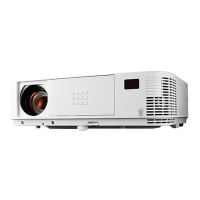
Rear
[M352WS/M302WS/M332XS]
MonauralSpeaker(20W)
* ThissecurityslotsupportstheMicroSaver
®
SecuritySystem.
Connection for cable cover (Left)
Screw holes
(→ page 144)
Connection for cable cover (Right)
Screw holes
(→ page 144)


 To Next Page