5
1. Introduction
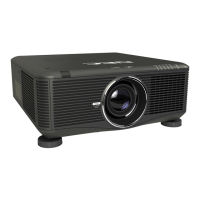
Opening and closing the lens cover
Slidethelenscovertothelefttouncoverthelens.
Tocoverthelens,slidethelenscovertotheright.
NOTE:
• ThelenscoverworksinconjunctionwiththeAVmutefunction.Closingthelenscoverwillturnofftheimageandsoundduring
normalprojectoroperation;openingitwillrestoretheimageandsound.
Withthelenscoverclosedtheimageandsoundisturnedoff,howeverthelampisstilllit.Iftheprojectorstaysthiswayforabout
2hours,itwillturnoffautomatically.
• Donotpullthelenscoverwithexcessiveforceorapplystrongpressureineithertheupordowndirection.Doingsocancause
damagetothelenscoverslidingmechanism!
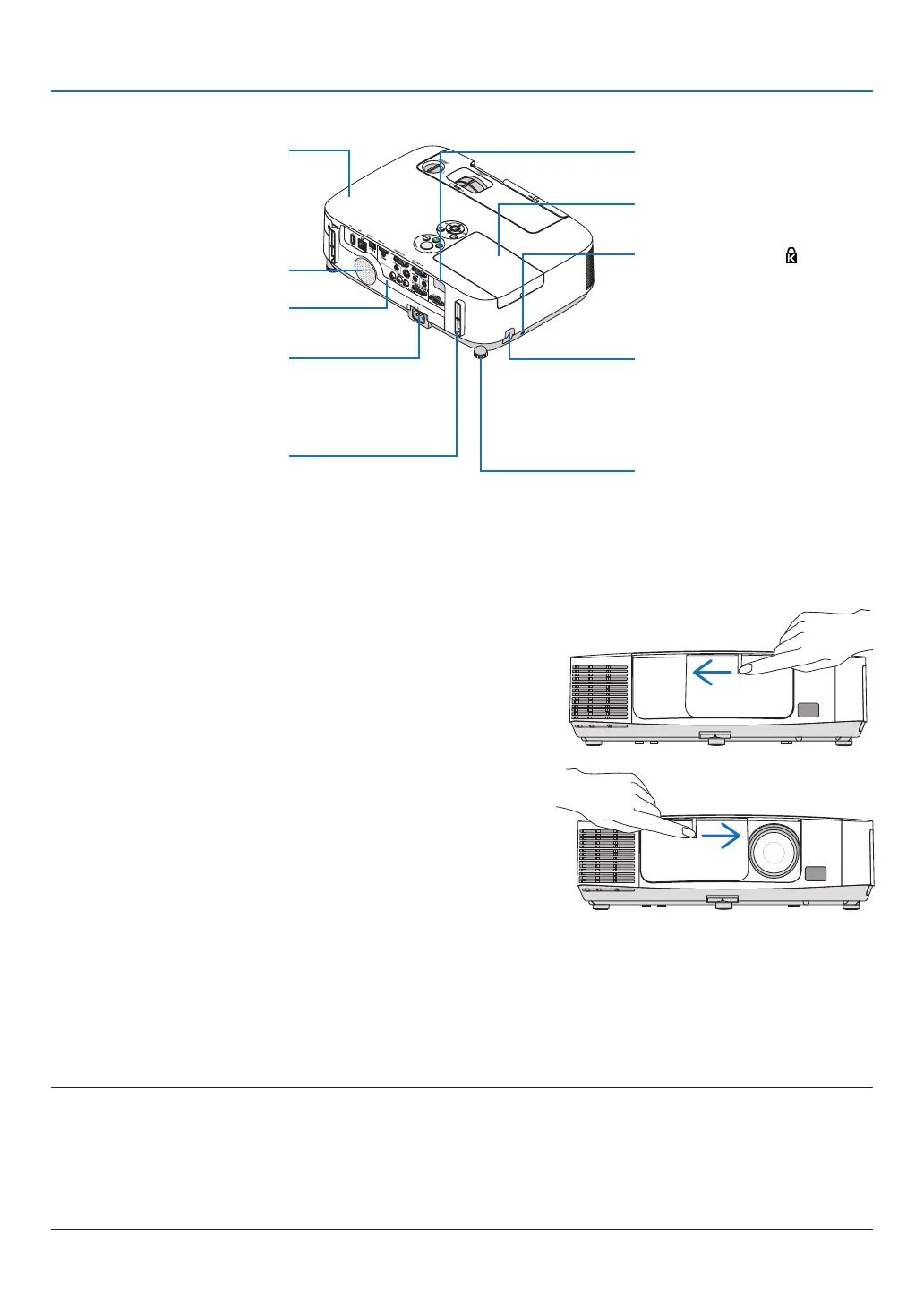
Port Cover for
USB Wireless LAN Unit
When using the USB Wireless LAN
Unit, first remove the cover. (→
page 141)
Terminal Panel (→ page 7)
MonauralSpeaker(10W)
Lamp Cover (→ page 148)
Rear
Remote Sensor
(→ page 9)
AC Input
Connect the supplied power cord’s
three-pin plug here, and plug the
other end into an active wall outlet.
(→ page 13)
* ThissecurityslotsupportstheMicroSaver
®
SecuritySystem.
Rear Foot (→ page 21)
Security chain opening
Attach an anti-theft device.
The security chain opening accepts
security wires or chains up to 0.18
inch/4.6 mm in diameter.
Built-in Security Slot (
)*
Cable cover connection (right and
left)
Screw holes and grooves for the
optional cable cover



 To Next Page