21
2. Projecting an Image (Basic Operation)
❺ Adjusting the Picture Size and Position
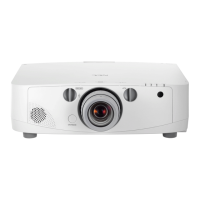
Usethelensshiftdial,theadjustabletiltfootlever,thezoomandthefocusringtoadjustthepicturesizeandposition.
In this chapter drawings and cables are omitted for clarity.
Adjustingtheprojectedimage’sverticalandhorizontal
position
[Lensshift]
(→page22)
Adjustingthefocus
[Focusring]
(→page23)
Finelyadjustingthesizeofanimage
(→page28)
Adjustingtheprojectedimage’sinclination
[Tiltfoot]*¹
(→page29)
NOTE*
1
:Adjusttheprojectedimage’sheightusingthetiltfeetwhenyouwanttoprojecttheimageatapositionhigherthanthelens
shift adjustment range.


 To Next Page
 Loading...