VP1007-200PM-00 ISO Reader I/O Manual version 0.4 / Page 6
5.3 Antenna
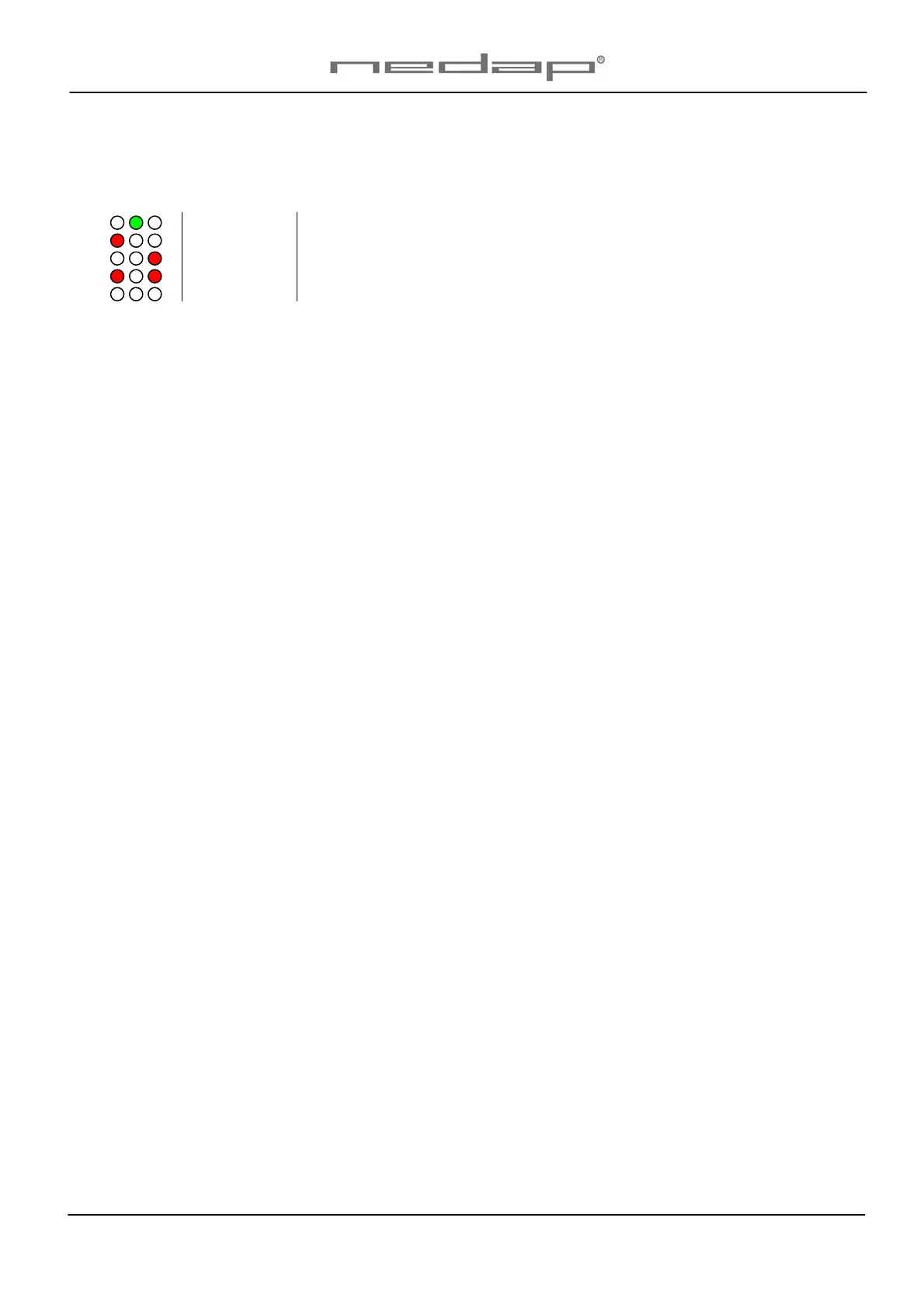
After power up the antenna tuning starts automatically. LEDs are indicating the status.
Green on Antenna tuning ok
Red on Antenna out of range
Red on Antenna out of range
Red blinking No antenna connected or low antenna signal
All off Antenna switch off by the software
5.4 Software setup
The software in the connected controller determines how the inputs and outputs on the VP1007 are
controlled. See manual with the relevent settings to configure the software for this VP1007.
When the software setup is done the VP1007 is ready for use.


 To Next Page