NCD+ 1000T & 1600T Manual | Control and Display Elements
Part No. 729-110-038 Rev. 1.21 | May 2016 13 © 2014 Nelson Stud Welding, Inc. All Rights Reserved.
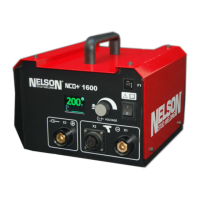
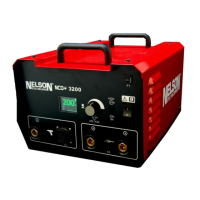
2 Control and Display Elements
2.1 Front Panel Controls and Displays Weld Parameter
Primary circuit breaker to protect the welding transformer from
overloads (resettable).
The main switch controls the input power to the machine. Upon
powering up, the internal control software performs a series of
diagnostic tests to ensure correct connection and safe operation
of the power source.
Press the knob to alternate between modes.
Adjustment of Voltage
and Other Parameters
Enables voltage selection. The voltage is increased turning the
knob in the clockwise direction (or decreased by turning it in the
counterclockwise direction). The power supply will take a
moment to achieve and display the new voltage setting.
Note: Small changes make it easier to reach a new voltage level.
LCD display of voltage setting
The graphical display of gun function and welding process.
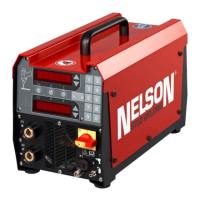
Figure 2.1 Front Panel Controls



 To Next Page