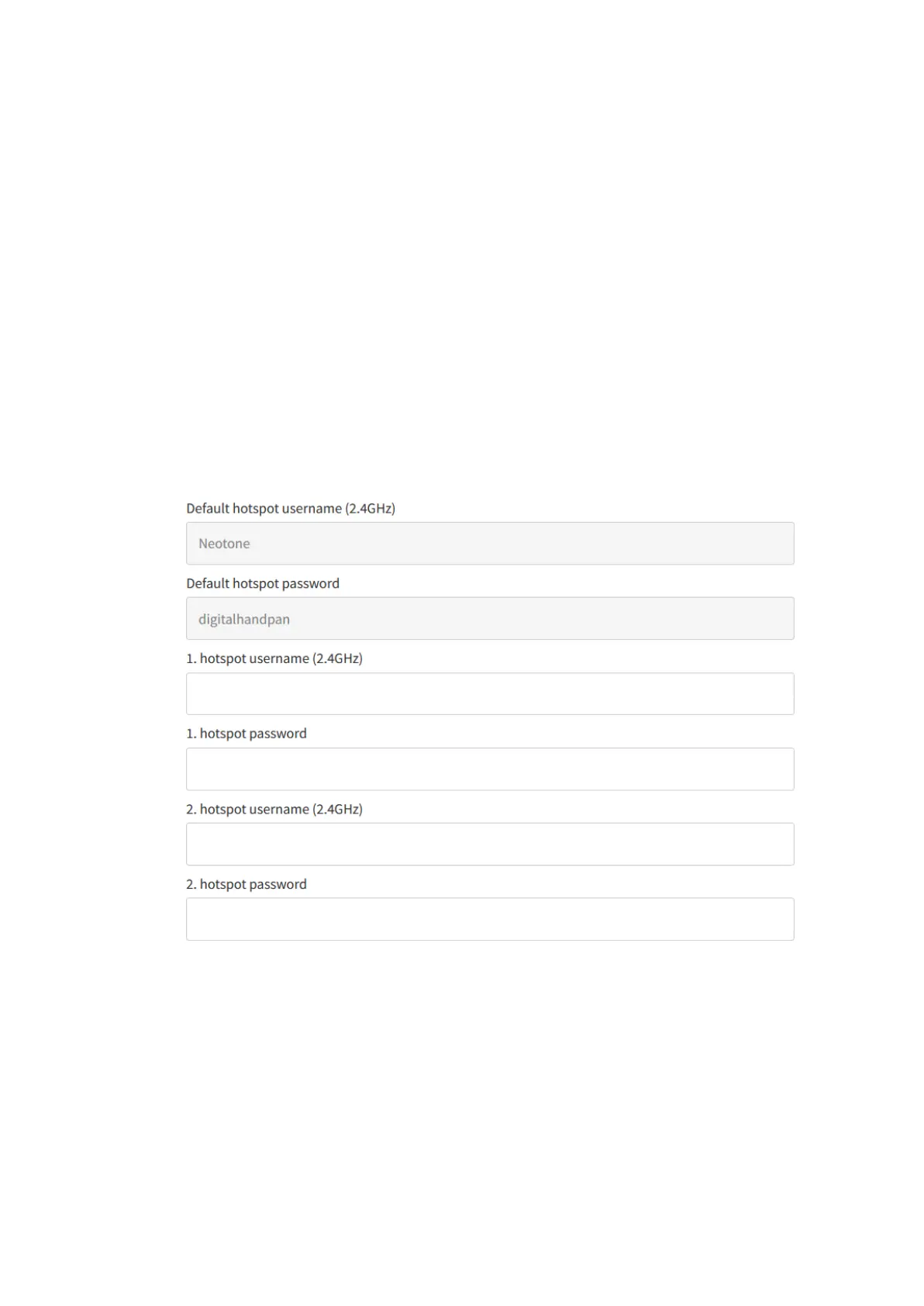
3, Set up a WiFi hotspot on your mobile phone and configure it using the default
hotspot username and password.
4, Turn off the instrument then turn it back on, and wait for about 30 seconds. A
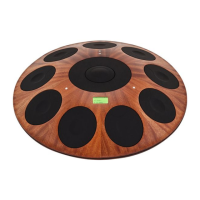
GREEN indicator icon will appear which means the instrument is connected to the
interface.
Optional: Adding your own WiFi hotspots
If you already have a WiFi hotspot at home, just enter the login details to the
HOTSPOT menu point. You can add 2 different WiFi hotspots to the digital handpan
and the instrument will automatically connect to the available one. If there are no
additional hotspots, the instrument will try to connect to the default one.


 To Next Page