Using the Interface
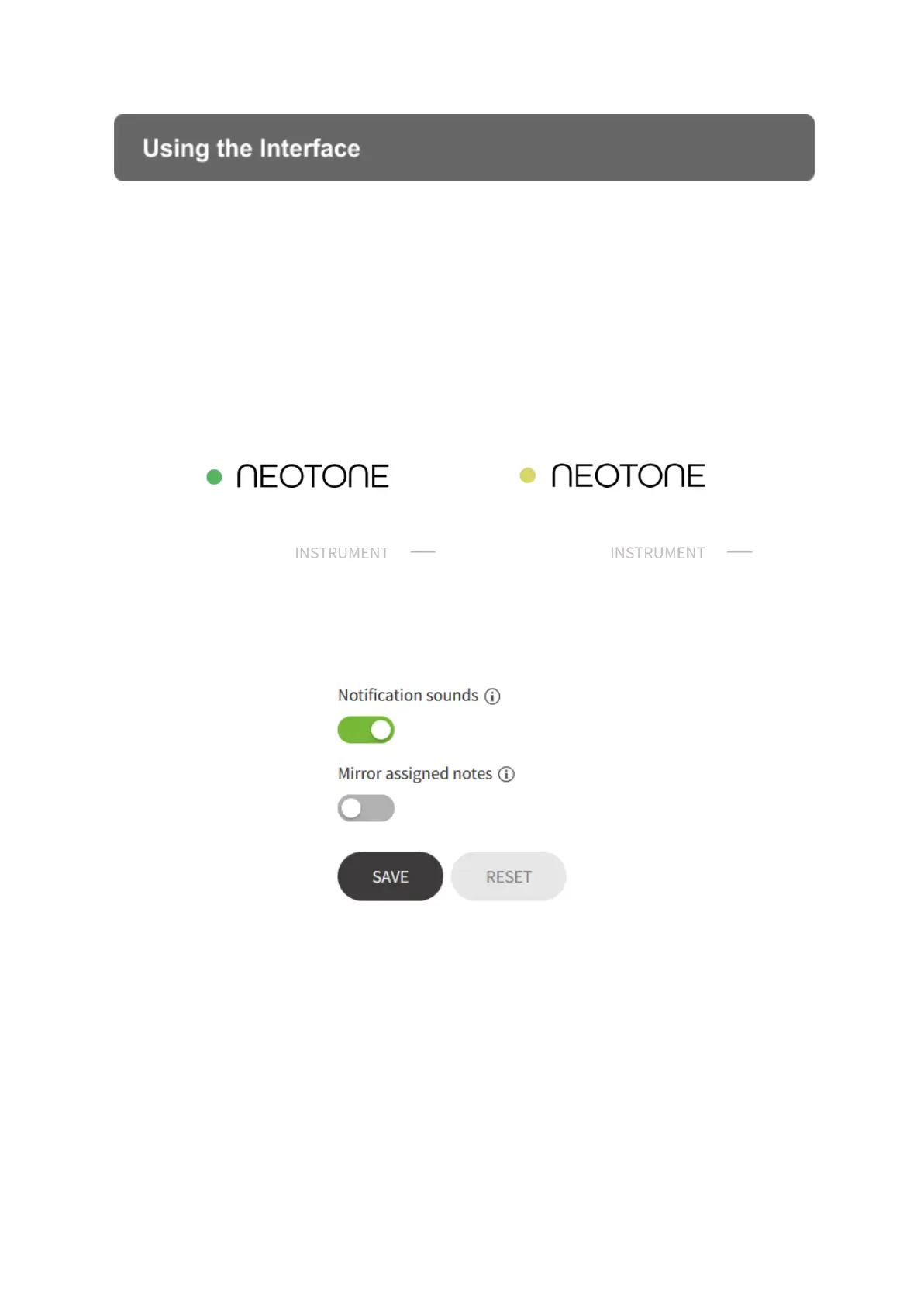
Status icon
The interface always shows what status the instrument is in. When the circular icon is
GREEN, it means the instrument is switched on and connected to the interface.
When the circular icon is ORANGE, it means that the instrument is in power save
mode (hit the dome to wake it up!). If there is no icon shown, the instrument is turned
off or could not connect to WiFi.
Changing settings on interface
You can change the settings even when the instrument is turned off. Always make
sure to press the SAVE button to apply the modified settings! Press the RESET
button to apply the factory default settings. A loading icon will appear when the new
setting is being processed. If there is no WiFi network available the instrument will
continue to use the last saved configuration.
When the instrument is connected to the Interface, changes and edits in most menu
points are automatically saved, which take effect immediately on the instrument. In this
case, the text "AUTOSAVE ACTIVE" is displayed on the Interface, instead of the
save button!


 To Next Page