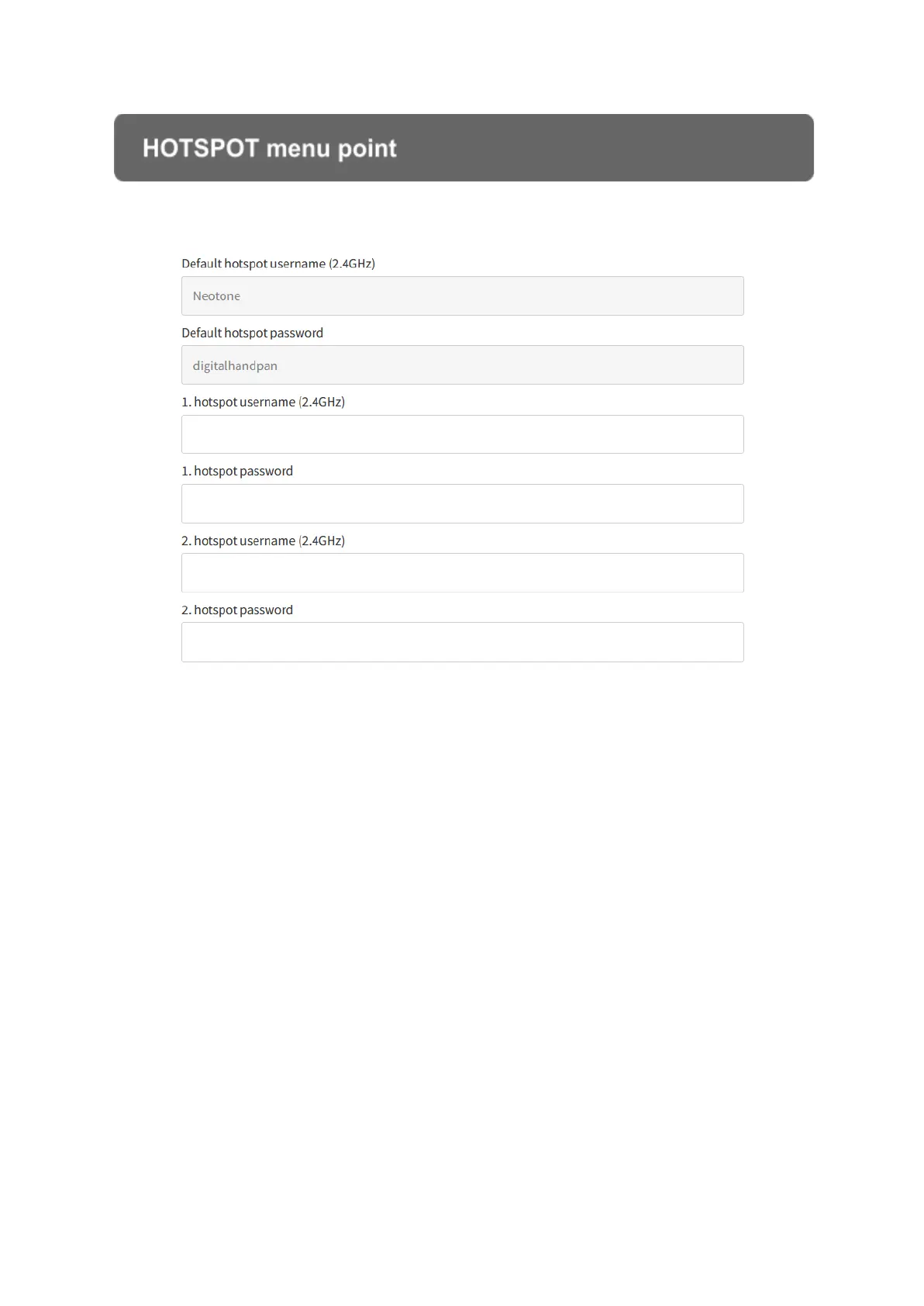
HOTSPOT menu point
This menu point has all the hotspot login information. The default hotspot helps you
to connect to the interface for the very first time by using WiFi. You can also add
another 2 hotspots.
If there are more hotspots available at the same time, the instrument will
automatically connect to a hotspot by the following order:
> 1. hotspot
> 2. hotspot
> default hotspot
If you add a new hotspot while the instrument is switched on, it will take some time to
connect to it. If it doesn’t connect, try switching it off and on.
The instrument can fully operate without having to connect to any hotspots, however
the interface provides you with different ways to configure the instrument.


 To Next Page