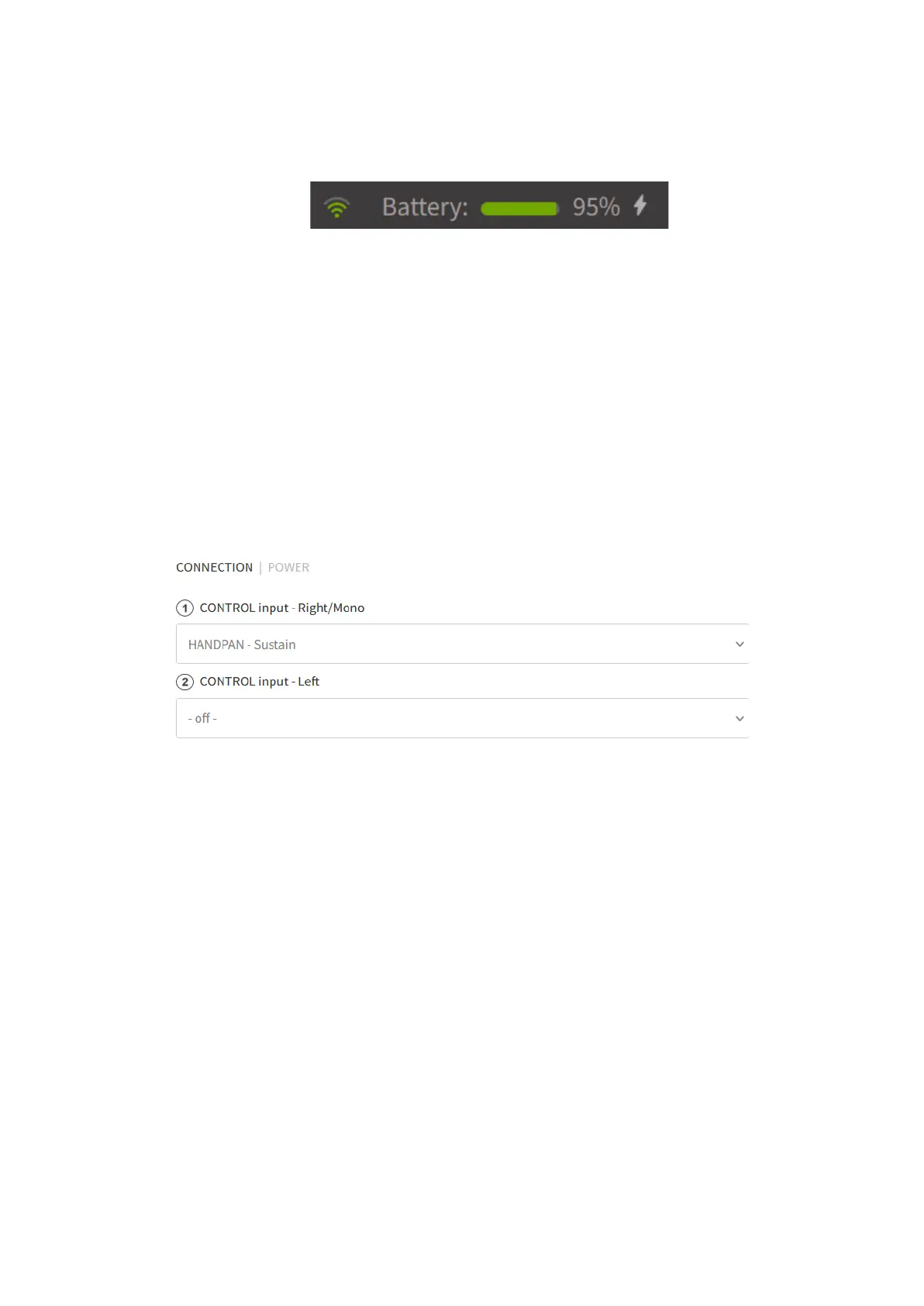
WiFi and Battery indicator
The WiFi indicator shows the network’s strength.
The Battery indicator shows the charge level of the battery when the instrument is
turned on and connected to the WiFi. The battery bar is green if it is above 20%, and
red if below 20% (~ 1.5 hours left). If a message appears: “Slow charging detected”,
disconnect and then reconnect the USB charger.
Connecting sliders to knobs / foot pedals
Most of the sliders and switches can be paired up with a back panel knob or foot
pedal. This function allows you to change any settings on the interface by physically
making adjustments on the instrument (no WiFi connection needed). For example, if
you have paired up KNOB 1 with the volume slider, even when the instrument is not
connected to WiFi, you can adjust the volume by physically turning KNOB 1.


 To Next Page