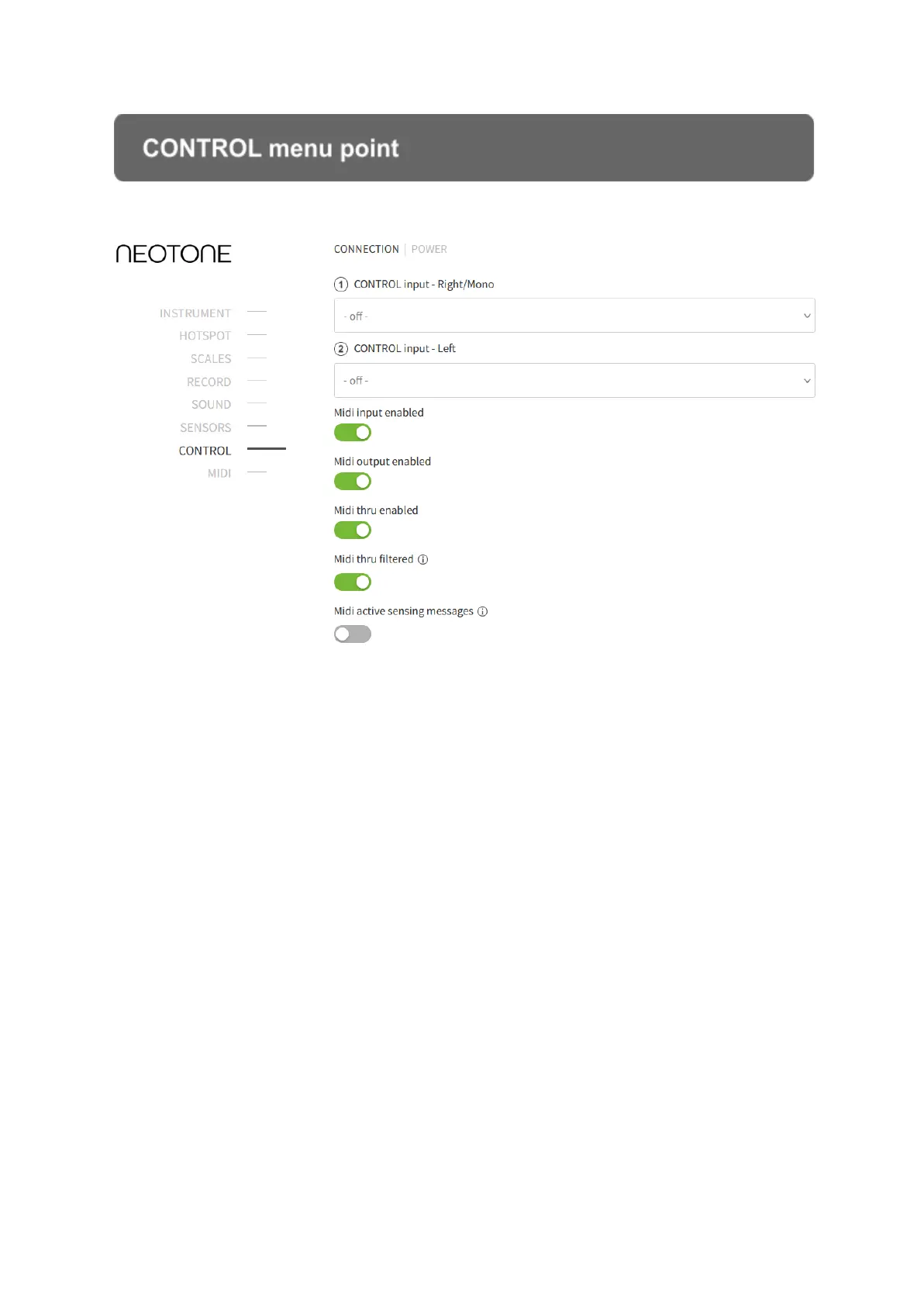
CONTROL menu point
At this menu point the NEOTONE instrument’s main technical features can be
controlled. The main audio and MIDI inputs and outputs can be controlled here and
as well, the instrument’s power saving through setting the shutdown time.
Most of the sliders and switches can be paired up with a back panel knob or foot
pedal. This function allows you to change any settings on the interface by physically
making adjustments on the instrument (no WiFi connection needed). For example, if
you have paired up KNOB 1 with the volume slider, even when the instrument is not
connected to WiFi, you can adjust the volume by physically turning KNOB 1.
CONNECTION
Most of the sliders and switches can be paired up with a back panel knob or foot
pedal. You can select a parameter which you like to pair up to a knob or foot pedal.
You can select the empty option if you don’t like pairing a knob with none of the
parameters, in this case when you turn the knob, it has no effect.


 To Next Page