Turn off the digital handpan
by holding down the POWER button for 2 seconds (The RED/GREEN light next to
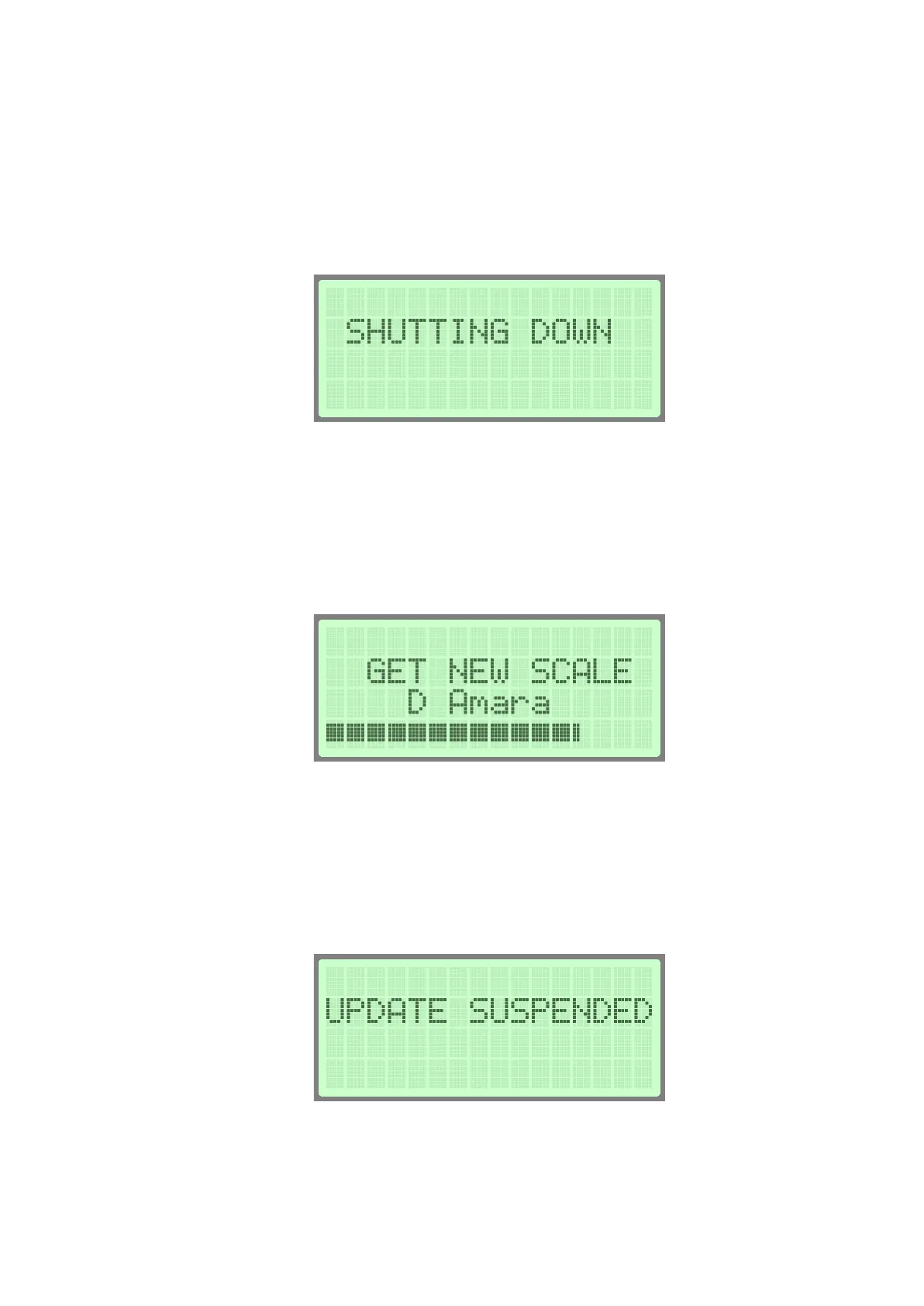
the POWER button will start blinking). The “SHUTTING DOWN” title will appear on the
LCD screen. All together, the turning off procedure will approximately take 25
seconds.
If during the shutting down procedure the instrument is still connected to the WiFi, it
may automatically download the available new scales. This downloading process
could take a couple of minutes and a progress bar will show the process on the LCD
screen. The Status Icon LED on the top will turn orange.
The downloading process can be interrupted by pressing down the power button
again, in which case the download will continue where it left off at the next time when
the instrument is turned off. In this case “UPDATE SUSPENDED” appears on the LCD
screen. The process may also be interrupted in the case of low battery charge.


 To Next Page