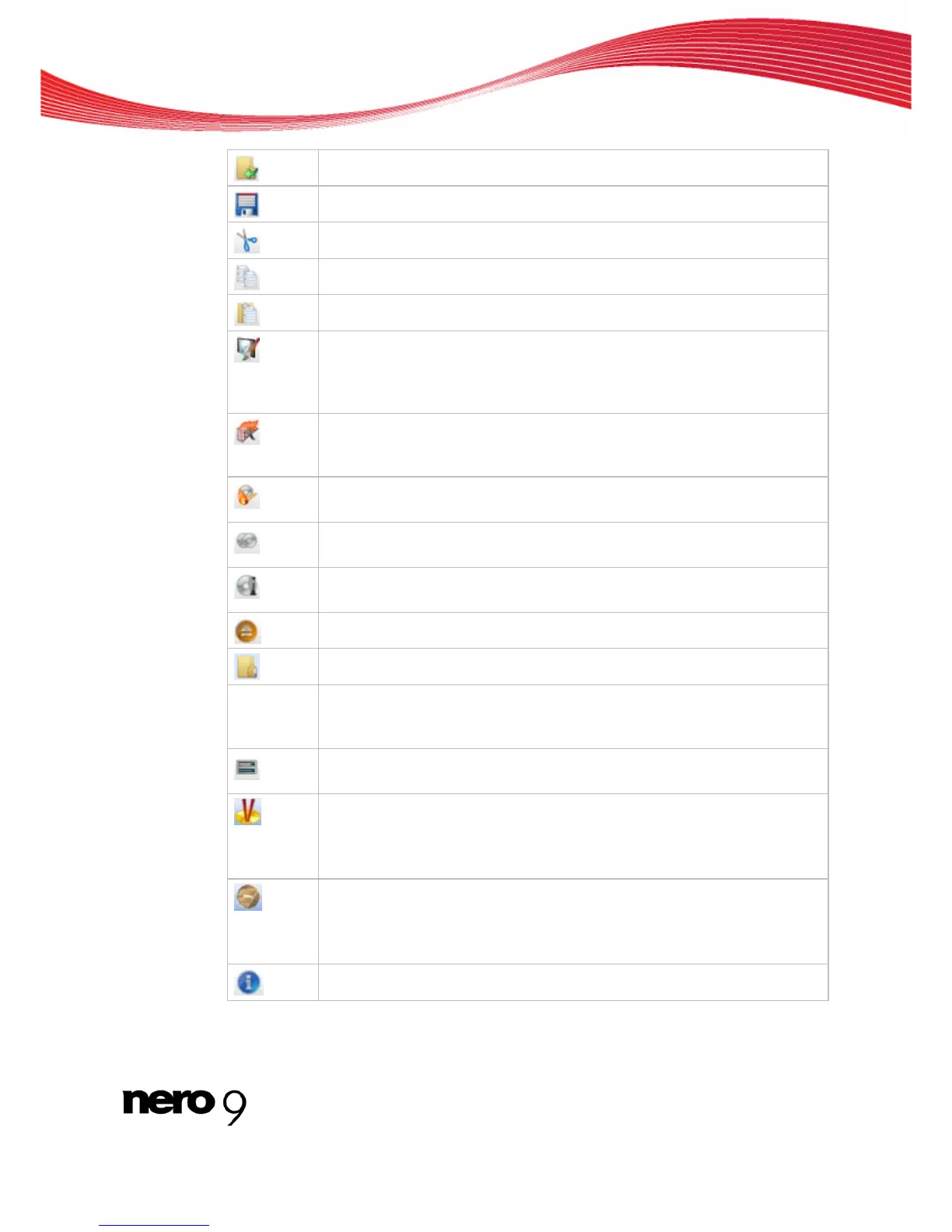
Main Screen
Opens an existing compilation.
Saves the active compilation.
Cuts selected elements in the compilation (selection).
Copies selected elements of the compilation (selection).
Pastes a selection that was cut or copied beforehand.
Starts Nero CoverDesigner, which you can use to create labels and covers.
Information about a current compilation such as title, number, and names of
the files is incorporated into the document data. You will find further informa-
tion in the Nero CoverDesigner manual.
Starts Nero Express. Nero Express is a wizard-driven application based on
Nero Burning ROM. You will find further information in the Nero Express
manual.
Starts the burn process by opening the Burn Compilation window contain-
ing the Burn tab.
Starts the copy process by opening the New Compilation window contain-
ing the Burn tab.
Displays information on the disc inserted, such as contents (if any) and ca-
pacity for instance.
Opens the selected drive.
Shows or hides the file browser.
Recorder
selection
menu
Displays available recorders.
Opens the Choose recorder window where you select an available re-
corder for the burn process from a list.
Opens the Burn Label window where you can create or load a label to print
on the label or data side of a Labelflash DVD.
This button is only available if a recorder that supports Labelflash is con-
nected.
Launches Nero CoverDesigner to create or load a label to be printed on the
label side of a LightScribe disc.
This button is only available if a recorder that supports LightScribe is con-
nected.
Displays information on the program and version number.
Nero Burning ROM 10



 To Next Page