Compilation Screen
Tab
Writing
Contains options for configuring burning.
See also:
Compiling Data CDs/DVDs 18
Compiling Audio CDs 29
Mixed Mode CD And CD EXTRA 36
Compiling an Audio Book CD 37
Compiling Video CDs/Super-Video CDs 53
Compiling DVD-Videos or miniDVDs 56
4.2 Selection Screen
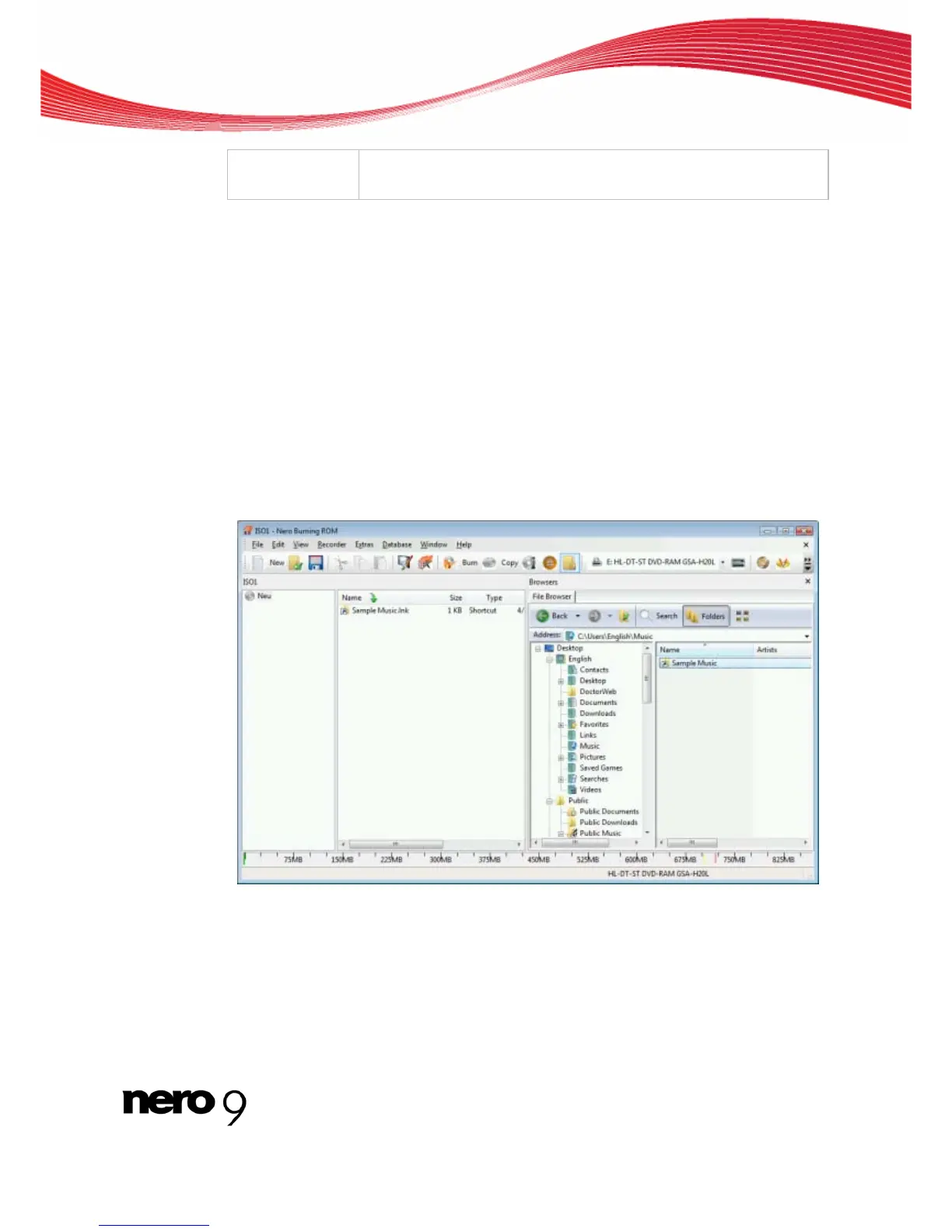
The selection screen is the starting point for work that you want to do on compilations. The
selection screen is displayed in the main screen after you select the disc type and format
and click the New button. The selection screen consists of the compilation area, the browser
area and a capacity scale.
Selection Screen
The Compilation Area is named after the relevant compilation. Files and folders are compiled
here for burning. In the browser area (Browser), you can find the elements that you want to
burn. The File Browser is similar to other file browsers and provides a toolbar and address
bar with typical functionality.
Nero Burning ROM 16



 To Next Page