Burn Compilation
Check box
BD defect man-
agement
Burns the Blu-ray Disc in defect management mode. In doing so the
burner allocates part of the disc so that it is able to burn the data
that has been damaged in a write error again. BD defect manage-
ment reduces the write speed but increases data security.
This feature is particularly useful for burning data Blu-ray Discs or
for burning backups to Blu-ray Discs.
Drop-down menu
Book Type Set-
tings
Defines the book type
setting for a DVD.
This feature is particularly useful for burning to blank DVD.
Four book type settings are available:
Automatic: Automatically selects the most suitable book type for this DVD.
DVD-ROM: Sets the book type to DVD-ROM. Select this setting if the DVD is to
be played on several DVD players or your DVD player has difficulties with self-
burned DVDs or of the DVD, DVD+ or DVD-RW specification.
Physical disc type: Selects the book type which is specified on the DVD.
Current recorder setting: Leaves the book type setting to the recorder.
12.2 Burn Settings
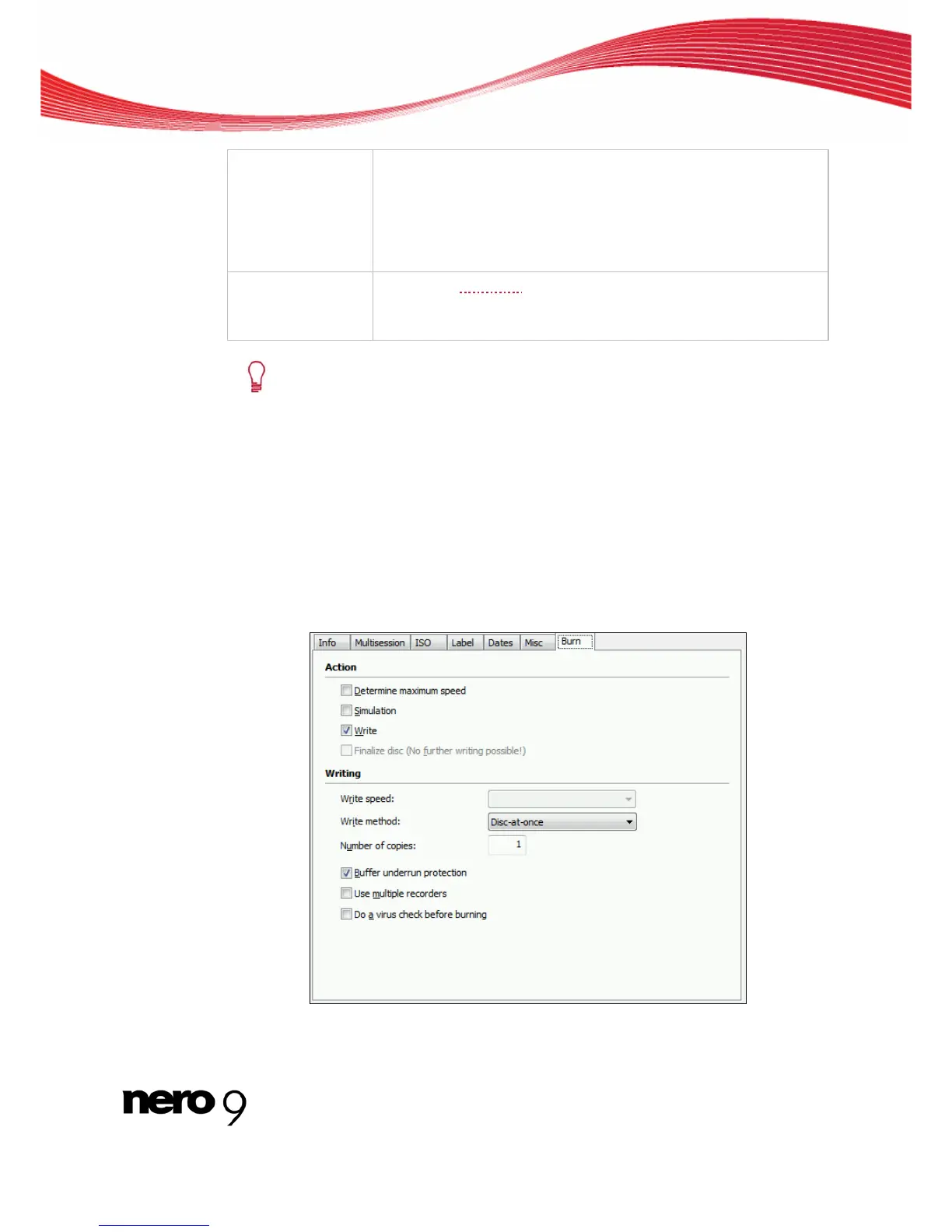
The Burn tab on the Burn Compilation window provides options for the burn process.
Burn Tab
Nero Burning ROM 69



 To Next Page