Data Disc
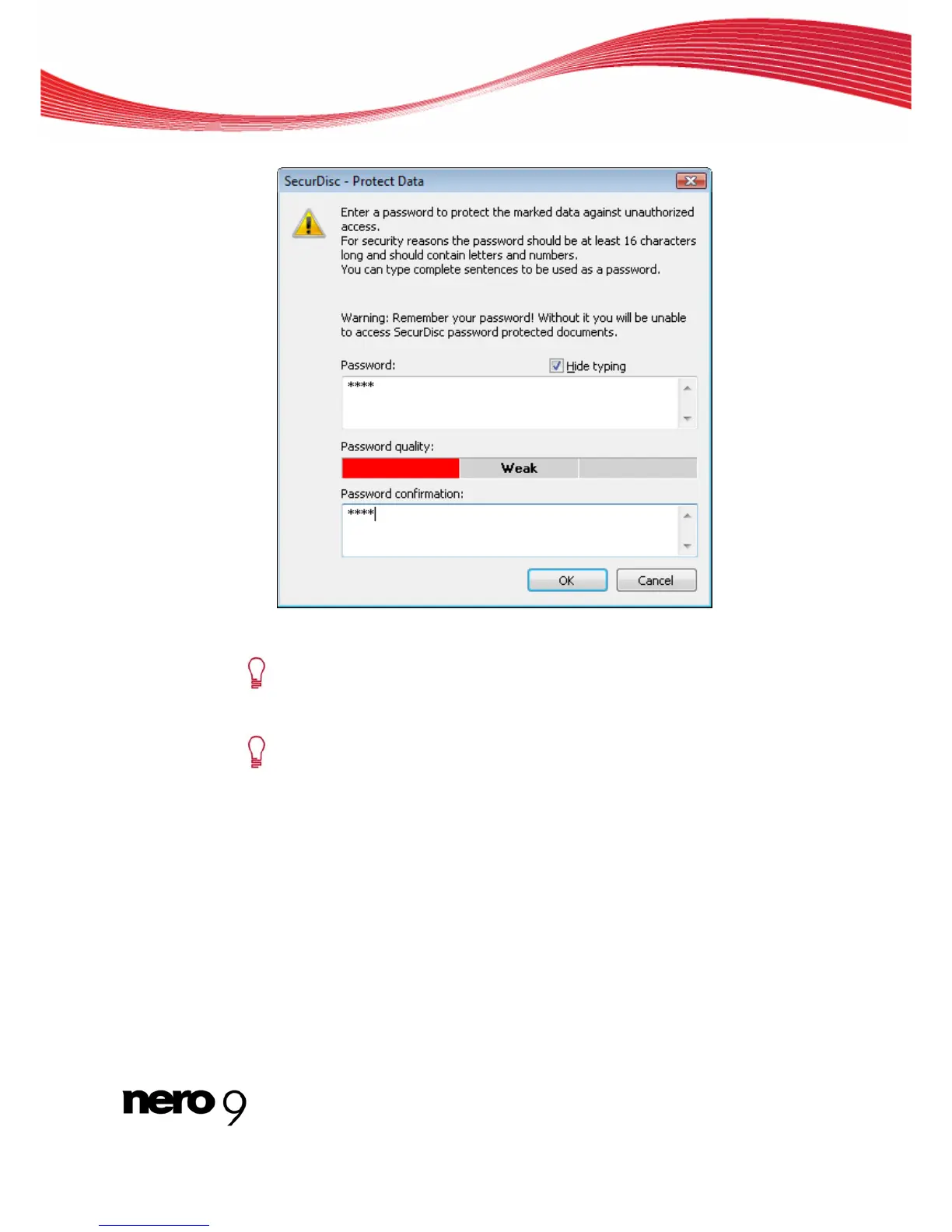
The SecurDisc – Protect Data window is opened.
2. Enter the desired password in the Password input area and then click the OK button.
When appropriate, a wizard offers suggestions in an additional Tips dialog box
when entering and selecting the password. The wizard estimates the security
level, i.e. the quality of the password, during entry.
You can selectively enable the password protection for individual files by mark-
ing the desired file in the compilation screen and clicking the Protect button.
2. If you want to sign the disc with a digital signature:
1. Select the Digital signature check box on the SecurDisc tab.
Nero Burning ROM 21



 To Next Page