Audio CD And Audio Files
6.5.1.2 Output Tab
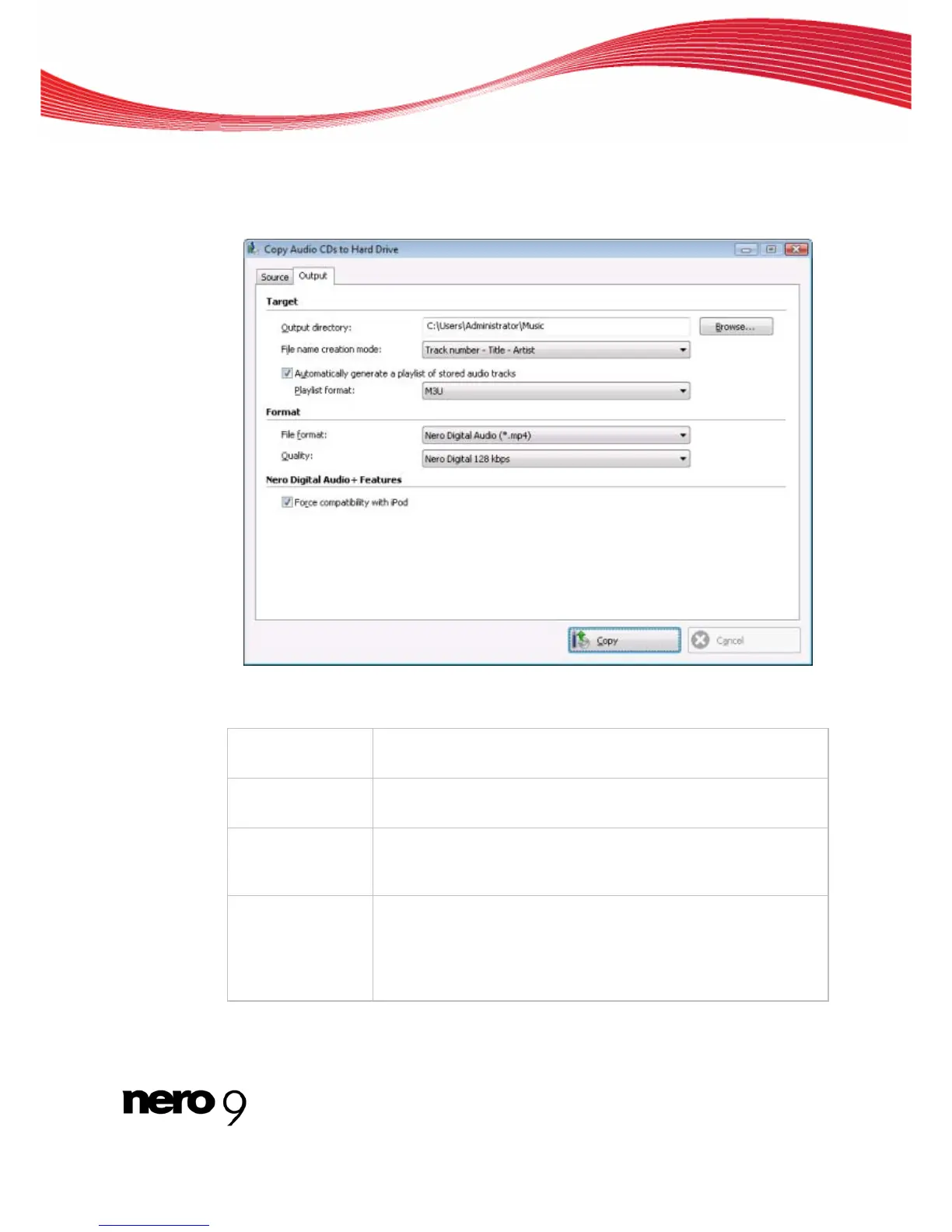
You can define the properties of the audio files to be created on the Output tab.
Copy Audio CDs to Hard Drive - Output
The following setting options are available:
Input window
Output directory
Selects the storage location for the output file.
Button
Browse
Opens a browser window where you can select a storage location.
Drop-down menu
Mode for creating
file name
Selects the method to be used for creating the name of the output
file.
Check box
Automatically ge-
nerate a playlist of
stored audio
tracks
Creates a playlist of the saved audio files.
Nero Burning ROM 44



 To Next Page