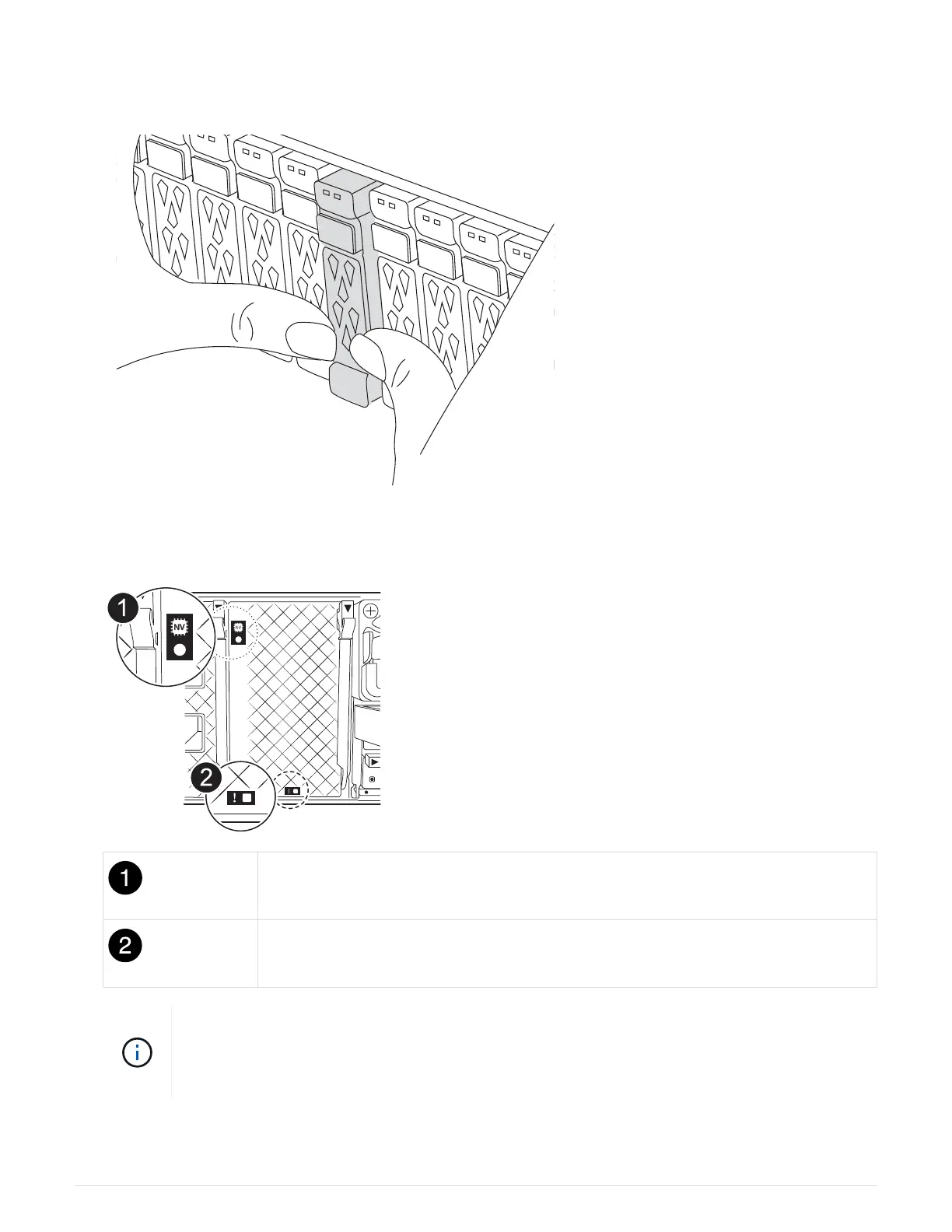
1. On the front of the chassis, use your thumbs to firmly push each drive in until you feel a positive stop. This
ensures that the drives are firmly seated against the chassis midplane.
2. Check the amber NVRAM that status LED located in slot 4/5 on the back of the impaired controller module
is off. Look for the NV icon.
NVRAM status LED
NVRAM attention LED
If the NVRAM status LED is flashing, it could mean the controller module was not taken over
or halted properly (uncommitted data). If the impaired controller module was not successfully
taken over by the partner controller module, contact
NetApp Support before continuing with
this procedure.
The general behavior of the NVRAM status LED on the impaired controller module is as follows:
30



 To Next Page