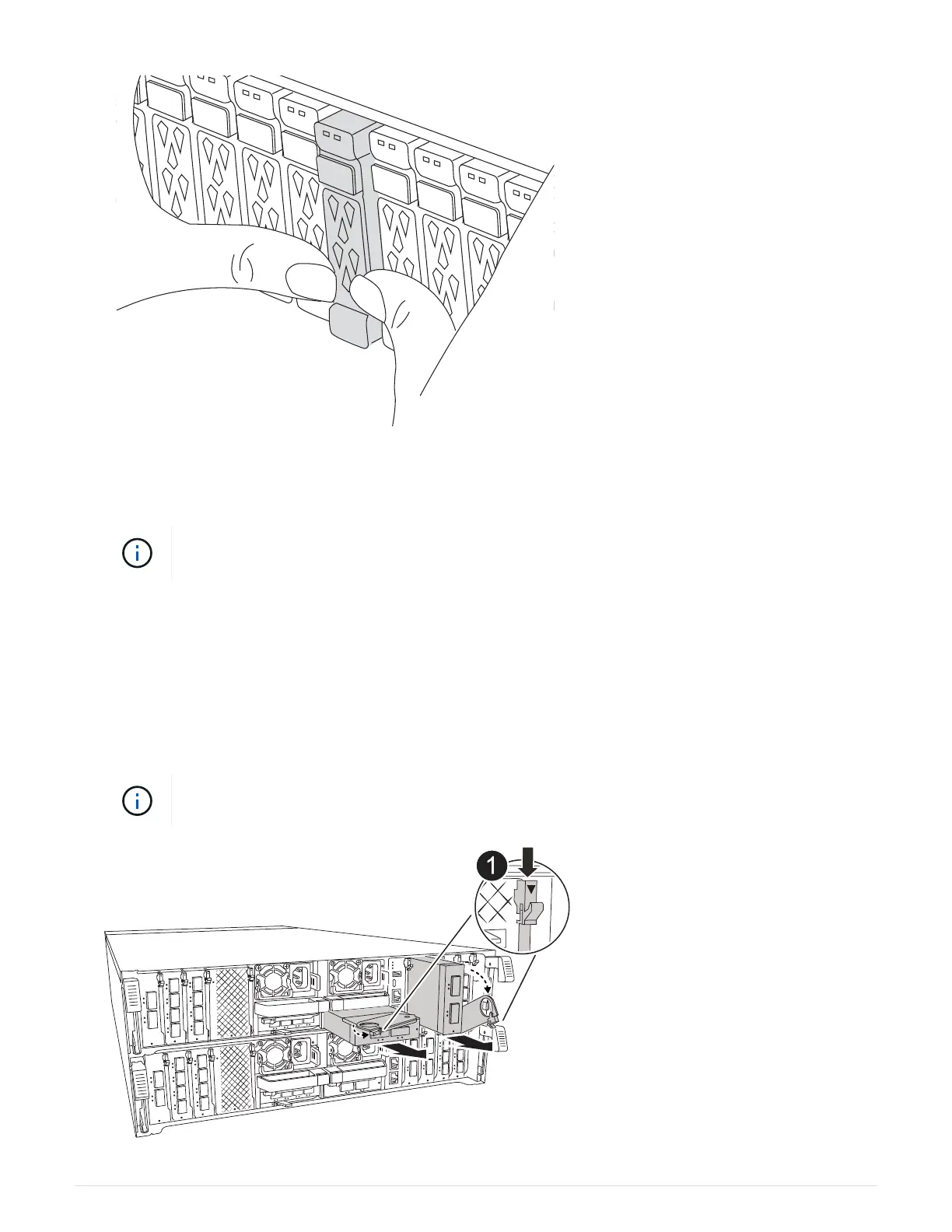
2. Go to the rear of the chassis. If you are not already grounded, properly ground yourself.
3. Disconnect power by pulling the controller module out about three inches:
If your storage system has DC power supplies, disconnect the power cable block from the
PSU.
a. Press down on both of the locking latches, and then rotate both latches downward at the same time.
b. Pull the controller module about 3 inches out of the chassis to disengage power.
4. Unplug any cabling on the target I/O module.
5. Rotate the cable management tray down by pulling the buttons on the inside of the cable management tray
and rotating it down.
6. Remove the target I/O module from the chassis:
The following illustration shows removing a horizontal and vertical I/O module. Typically, you
will only remove one I/O module.
81



 To Next Page