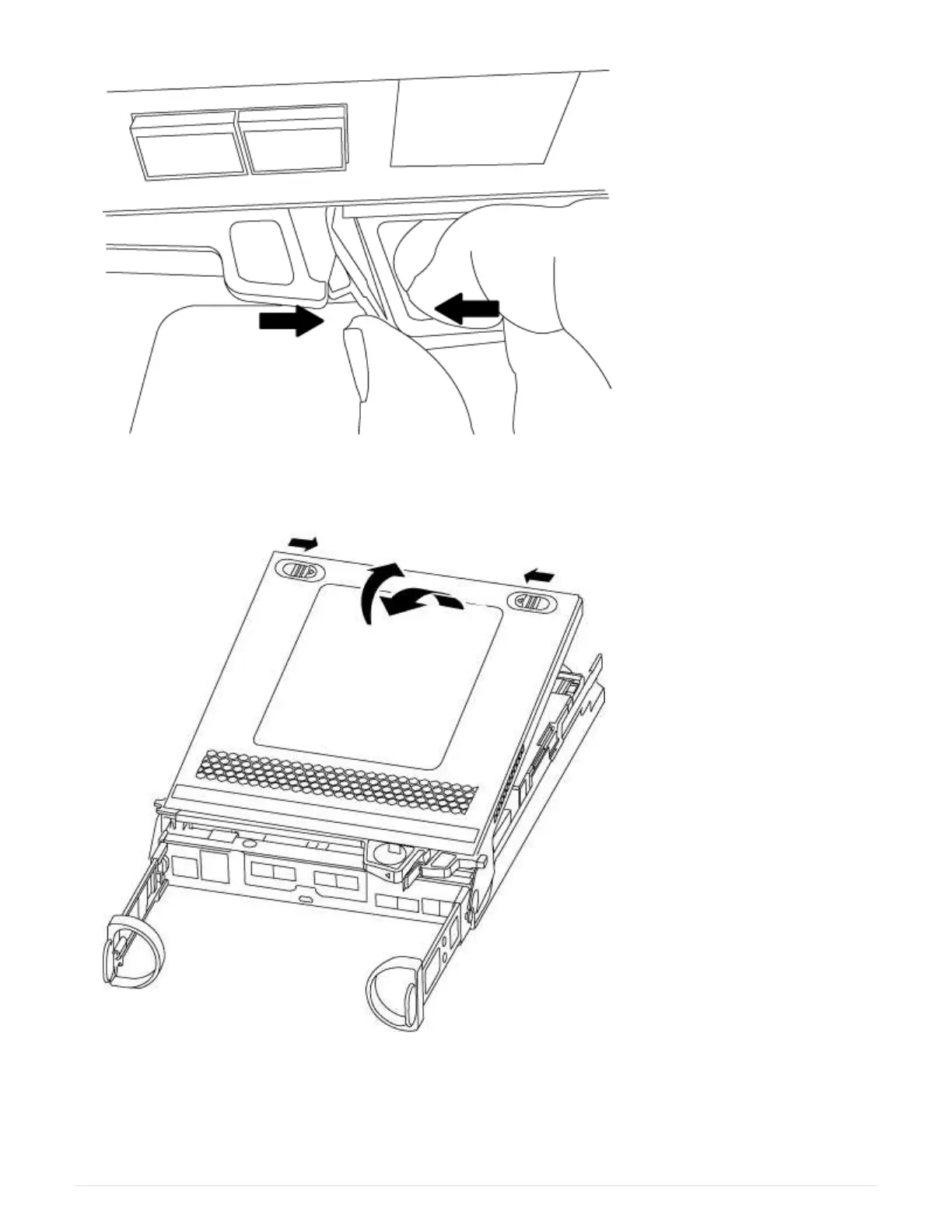
5. Turn the controller module over and place it on a flat, stable surface.
6. Open the cover by sliding in the blue tabs to release the cover, and then swing the cover up and open.
Step 2: Replace the boot media
1. If you are not already grounded, properly ground yourself.
2. Locate the boot media using the following illustration or the FRU map on the controller module:
99



 To Next Page