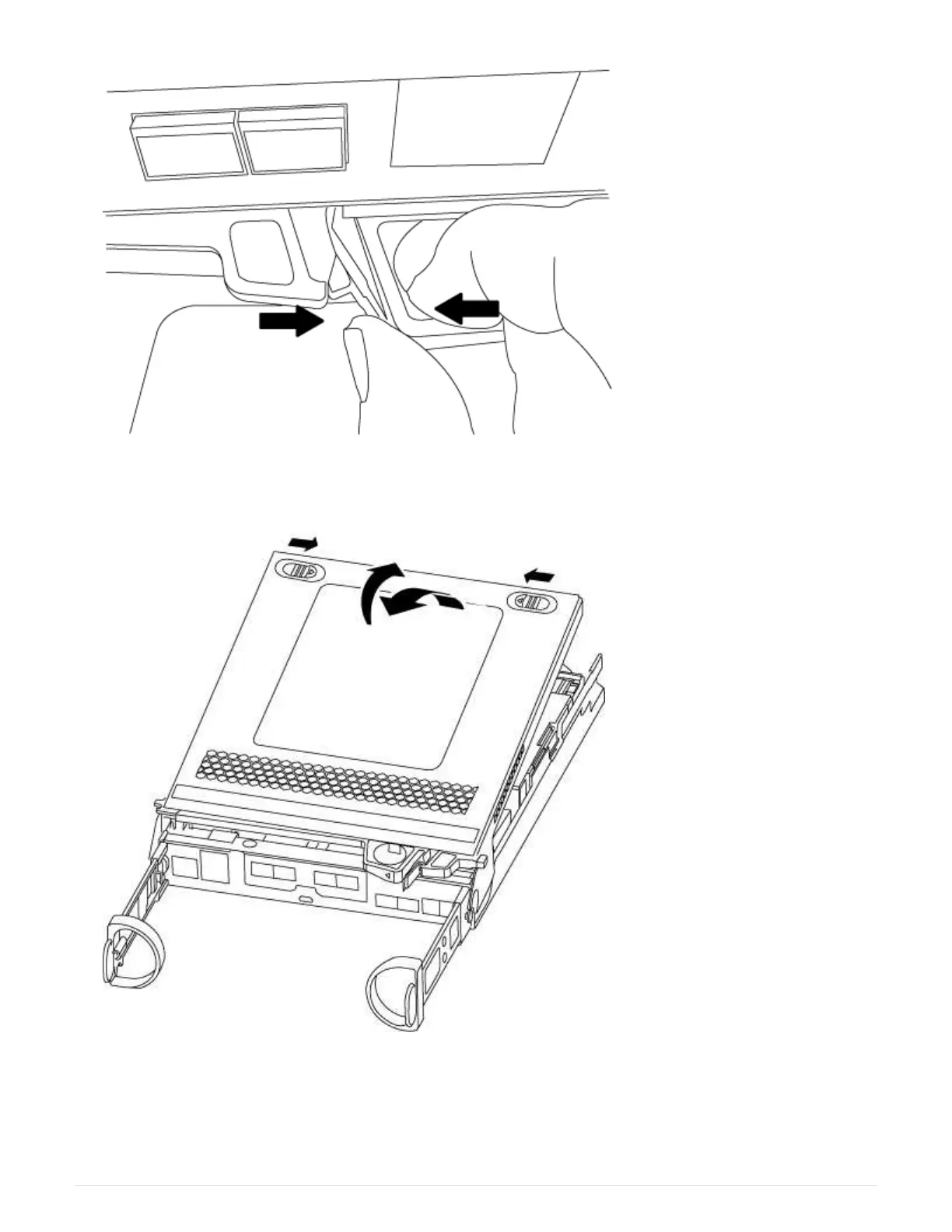
5. Turn the controller module over and place it on a flat, stable surface.
6. Open the cover by sliding in the blue tabs to release the cover, and then swing the cover up and open.
Step 3: Replace a caching module
To replace a caching module referred to as the M.2 PCIe card on the label on your controller, locate the slot
inside the controller and follow the specific sequence of steps.
111



 To Next Page