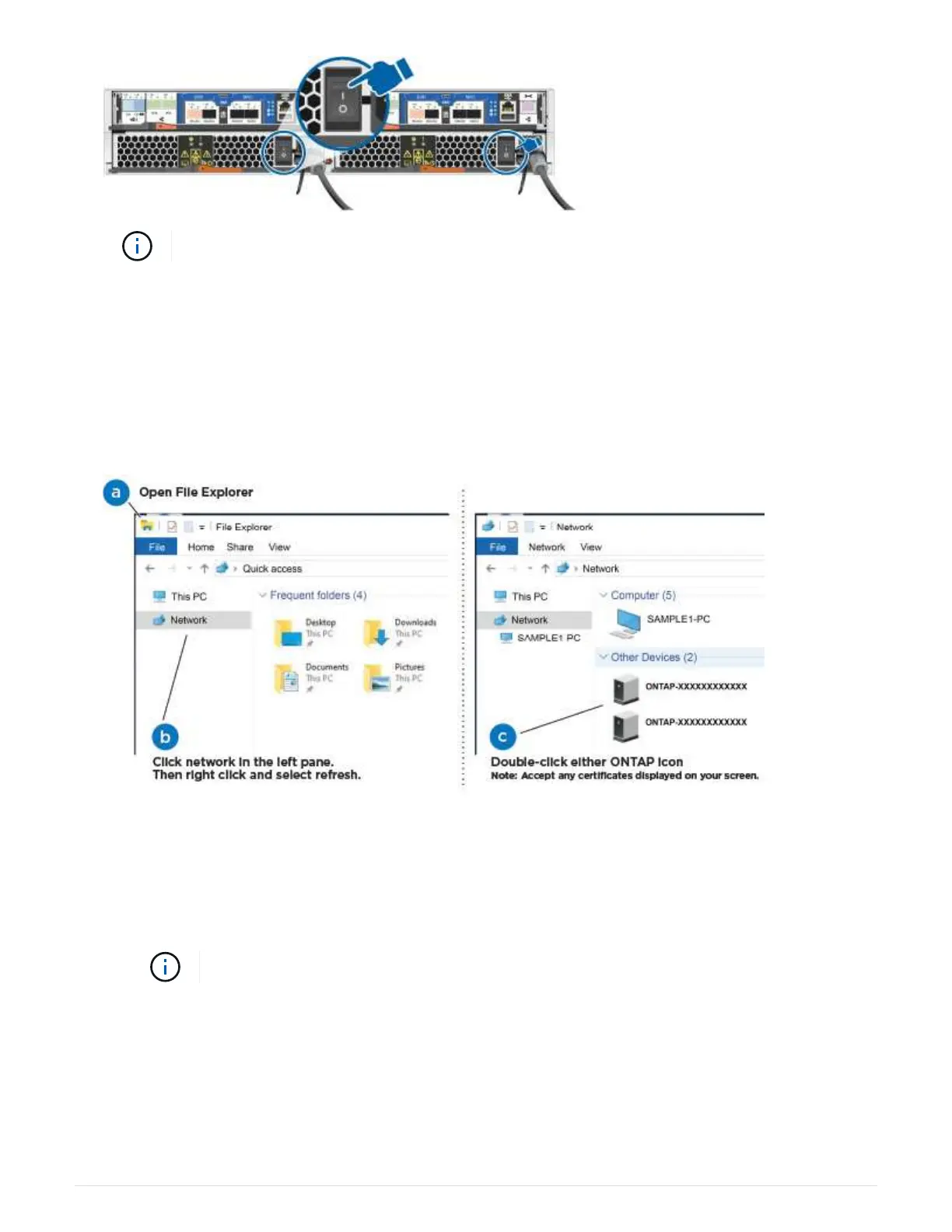
Initial booting may take up to eight minutes.
4. Make sure that your laptop has network discovery enabled.
See your laptop’s online help for more information.
5. Use the following animation to connect your laptop to the Management switch.
Connecting your laptop to the Management switch
6. Select an ONTAP icon listed to discover:
a. Open File Explorer.
b. Click network in the left pane.
c. Right click and select refresh.
d. Double-click either ONTAP icon and accept any certificates displayed on your screen.
XXXXX is the system serial number for the target node.
System Manager opens.
7. Use System Manager guided setup to configure your system using the data you collected in the NetApp
ONTAP Configuration Guide.
ONTAP Configuration Guide
189



 To Next Page