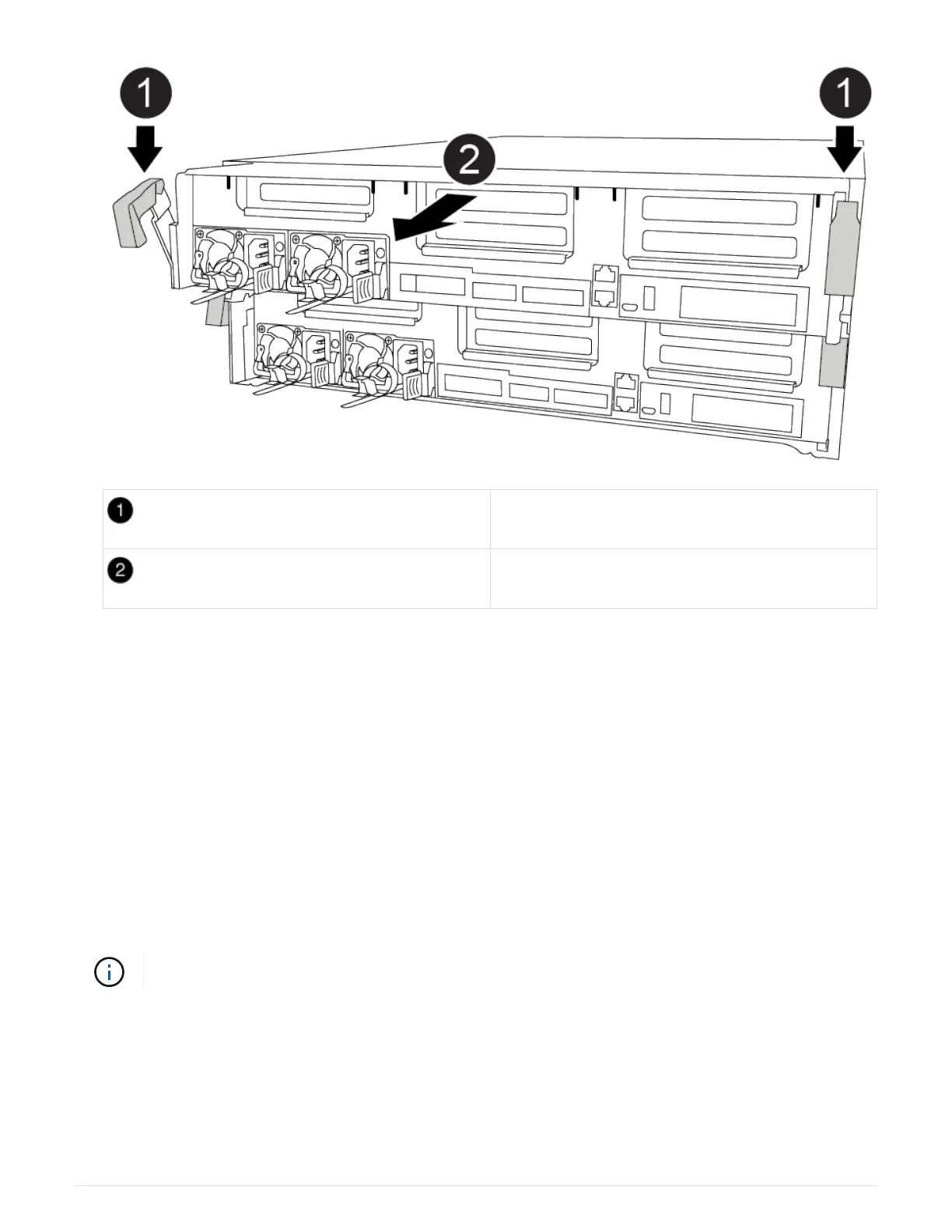
Locking latches
Slide controller out of chassis
6. Slide the controller module out of the chassis.
Make sure that you support the bottom of the controller module as you slide it out of the chassis.
7. Place the controller module on a stable, flat surface.
Step 2: Replace the boot media
You must locate the boot media in the controller module (see the FRU map on the
controller module), and then follow the directions to replace it.
Before you begin
Although the contents of the boot media is encrypted, it is a best practice to erase the contents of the boot
media before replacing it. For more information, see the
Statement of Volatility for your system on the NetApp
Support Site.
You must log into the NetApp Support Site to display the Statement of Volatility for your system.
You can use the following animation, illustrations, or the written steps to replace the boot media.
Replacing the boot media
Steps
1. Open the air duct:
19



 To Next Page