13 of 15
CF40MESH – Wireless Troubleshooting Guide
FA01365 v. 1.01 10 February 2023
After completing the steps above, you should now be connected to your wireless network and able to surf
the internet. Please remember to disconnect your ethernet cable.
I am connected to WiFi network but unable to browse
internet
Check if you are using static IP address of different network range. It is mandatory to use the automatic IP
address from the Gateway.
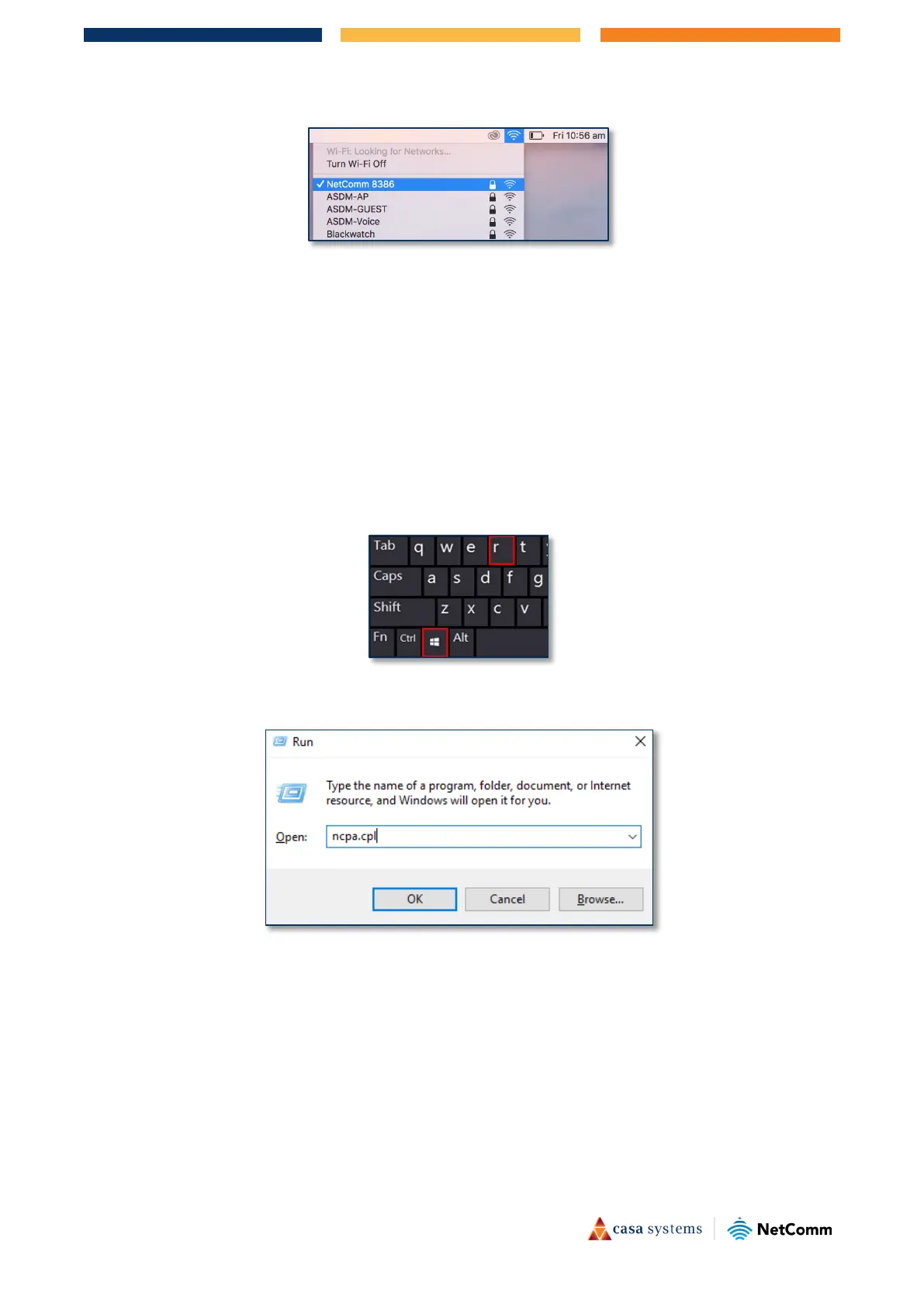
1 Press
Windows + R key in your keyboard.
2 In
Run command, type ncpa.cpl and press enter. It will open Network connections window.



 To Next Page