Model DS108 Dual Speed Hub Installation Giude
Set Normal/Uplink Push Button
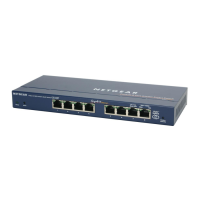
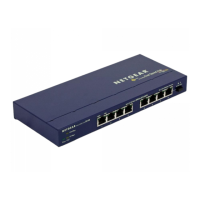
The Normal/Uplink push button on the front panel of the hub allows you to select the Uplink
(MDI) or Normal (MDI-X) position for port 8 on the Model DS108 hub. All other ports are wired
Normal for direct connection to PCs.
Select Normal if connecting a PC or server to the port. Select Uplink if connecting a router or
switch. The Normal/Uplink push button eliminates the need to use a crossover cable.
Caution: 100 Mbps operation requires the use of Category 5 UTP wiring with 100
Mbps certified connectors. NETGEAR highly recommends using Category 5 cable so
your network can operate at either 10 or 100 Mbps.
Normal/Uplink
Link RX
1
2
3
4
5
6
7
8
100 Mbps
10 Mbps
Col
Pow
8250FA
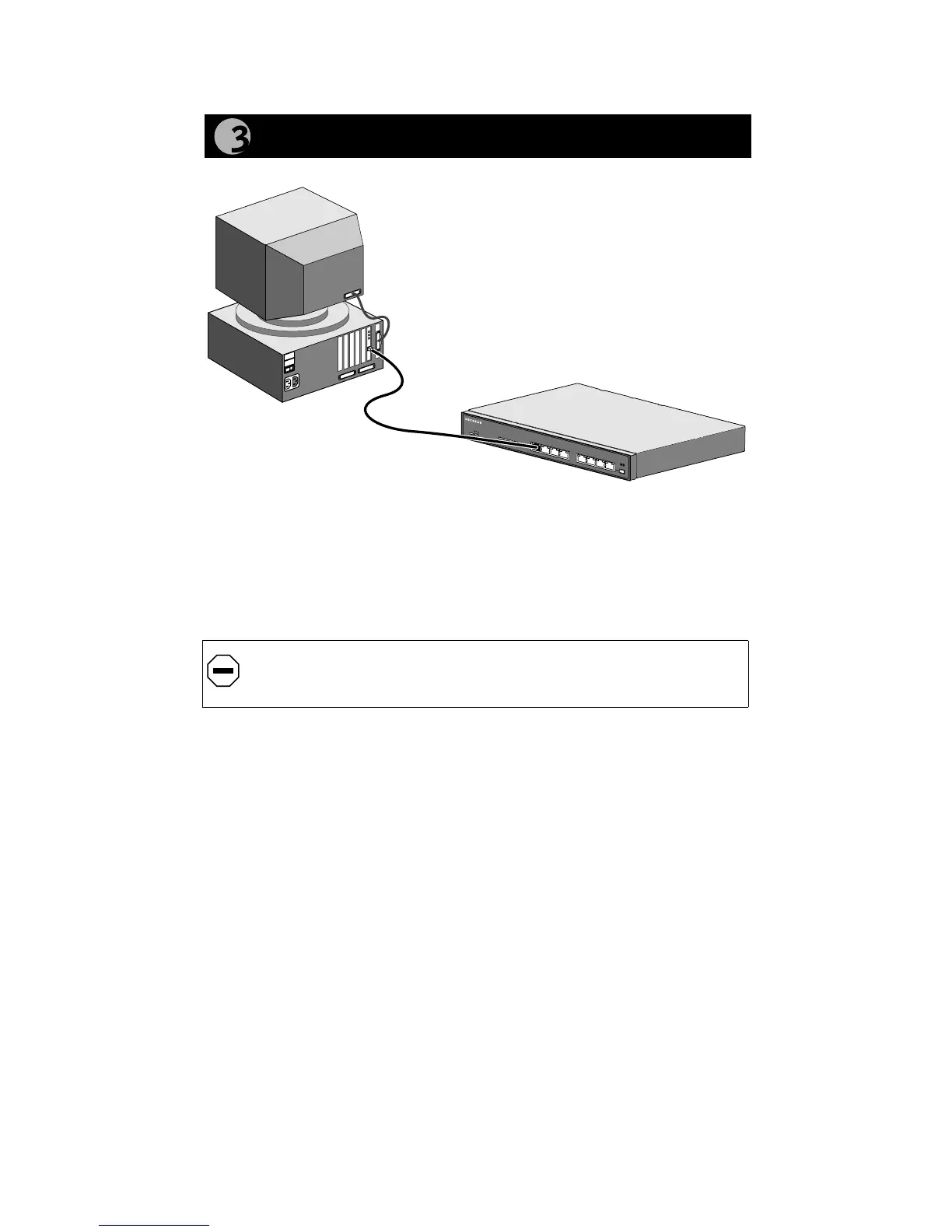
Connect a PC to the Hub





 To Next Page