EasyManua.ls Logo

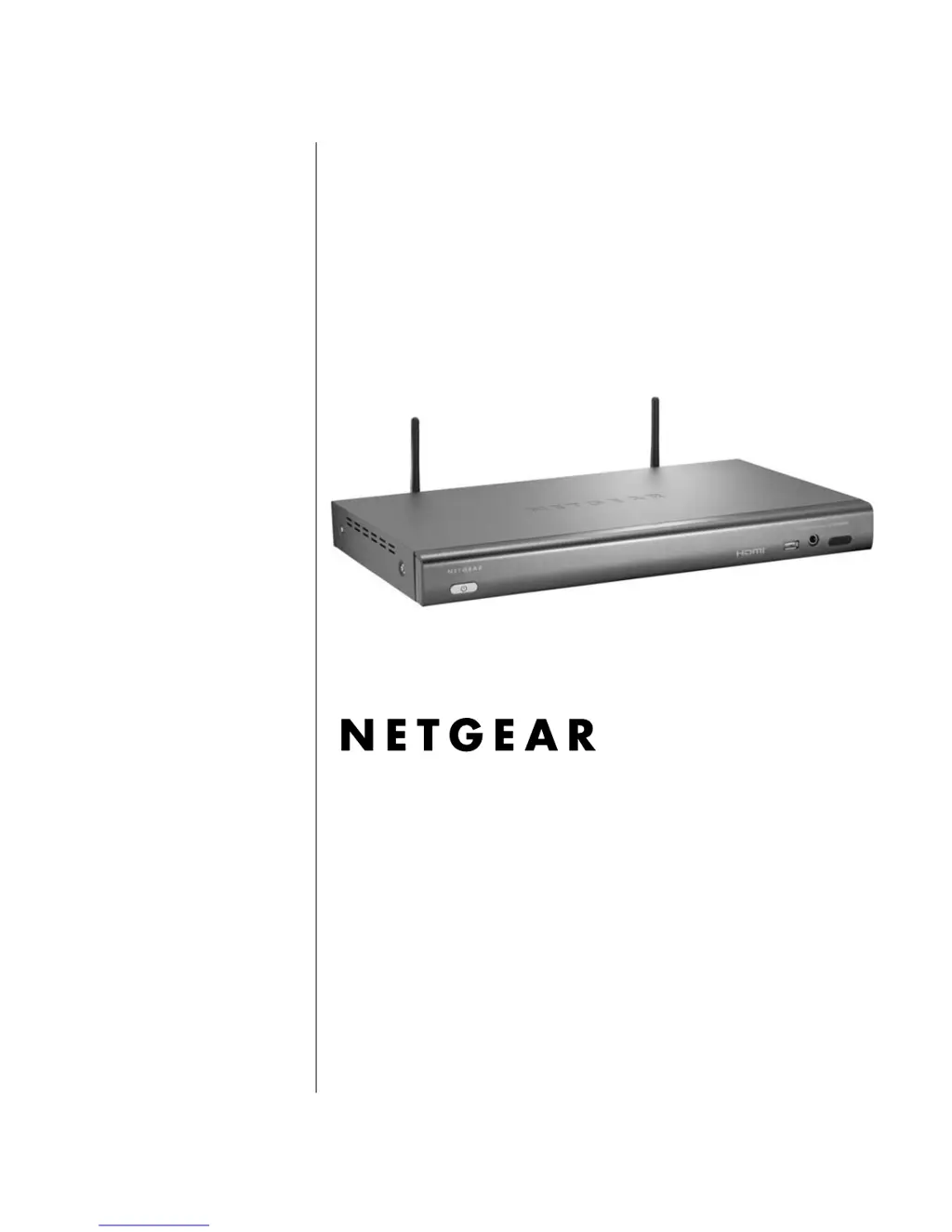
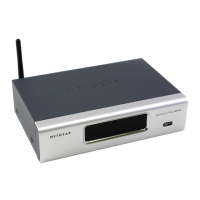
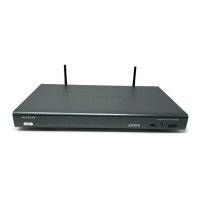
NETGEAR EVA8000 - User Manual

NETGEAR EVA8000
110 pages
Print Icon
To Next Page IconTo Next Page
Loading...
v1.1
January 29, 2008
202-10219-03
NETGEAR, Inc.
4500 Great America Parkway
Santa Clara, CA 95054 USA
Digital Entertainer HD
Model EVA8000 User
Manual

Table of Contents

Other manuals for NETGEAR EVA8000

Questions and Answers

  • A
    alicia15Aug 7, 2025
    Why NETGEAR EVA8000 doesn't find the server?
    • L
      Lauren RiversAug 7, 2025
      Your NETGEAR Media Player might not be discovering the server because the computer and the Media Player are not connected to the same network or are not turned on. If you don't use DHCP, ensure the Media Player's IP address is within your network's address range. You can also use the Configuration Wizard to verify the settings.
  • A
    Alyssa MooreAug 11, 2025
    What to do if NETGEAR Media Player does not respond to the remote control?
    • R
      Rachel MarshallAug 11, 2025
      If your NETGEAR Media Player isn't responding to the remote, first check the LED on the front panel of the Media Player to ensure the power is on and that the television is also turned on. When you press a button on the remote, the LED on the remote should flash. If the LED doesn't flash, and the batteries are working, the remote might be faulty. If the LED does flash, try resetting the Media Player.
  • S
    Stacy OrtegaAug 15, 2025
    How to fix NETGEAR EVA8000 not finding my network?
    • D
      Dr. Patrick FergusonAug 15, 2025
      If your NETGEAR Media Player isn't finding your wireless network, ensure that the wireless network name (SSID) and security settings on both the Media Player and your media server match exactly. You can use the Digital Entertainer Configuration Wizard to check these settings. Access it via the Windows Start menu under All Programs > Digital Entertainer folder.
  • R
    Roy StevensAug 20, 2025
    What to do if I don't see anything on the screen when I turn on my NETGEAR EVA8000 Media Player?
    • A
      Alan FosterAug 20, 2025
      If you don't see anything on the screen after turning on your NETGEAR Media Player, check all the cables to ensure they are correctly connected and that you're using the correct input on your TV. Also, make sure your TV's input selector is set to the correct input. If the issue persists, press the TV Mode button on the remote control, pausing for 3 seconds between presses to allow the Media Player to change video modes.
  • S
    swilliamsAug 25, 2025
    Why some files, songs, or videos are not showing up on my NETGEAR EVA8000?
    • S
      Stephen ThomasAug 25, 2025
      Some files, songs, or videos might not appear on your NETGEAR Media Player due to file permissions. Check the file permissions for those items and ensure they have read access allowed for everyone.
  • M
    Michael PetersAug 28, 2025
    What to do if some files do not play or cause the NETGEAR EVA8000 Media Player to reset?
    • S
      Sarah HendersonAug 28, 2025
      Your NETGEAR Media Player might not support the audio or video format used in the file. Consult the “Supported Media File Formats” on page A-2 for more information about supported files.
  • T
    Tiffany SmithSep 1, 2025
    How to find the server in a Windows domain with NETGEAR EVA8000 Media Player?
    • D
      donna81Sep 1, 2025
      If the PC running the Digital Entertainer for Windows software is part of a Windows domain, ensure you are connected to the domain (either on the same network or via VPN). Then, restart folder sharing in Windows Media Connect. If this isn't possible, uninstall the Digital Entertainer for Windows software and reinstall it using a local user account. Then, set up sharing with the software while logged in with this local user account.

NETGEAR EVA8000 Specifications

General IconGeneral
BrandNETGEAR
ModelEVA8000
CategoryMedia Player
LanguageEnglish

Related product manuals