ADSL2+ Modem Router User Manual
6
2) After the physical connection, please check whether the LED indicators of the Modem
Router display normally as above describes in 2.1 section.
3. Quick Installation
3.1 Configure Your PC
After you directly connect your PC to DL4311 or a Hub/Switch which has connected to the
Modem Router, we suggest you set your computer to obtain IP address automatically.
For Windows XP/2000
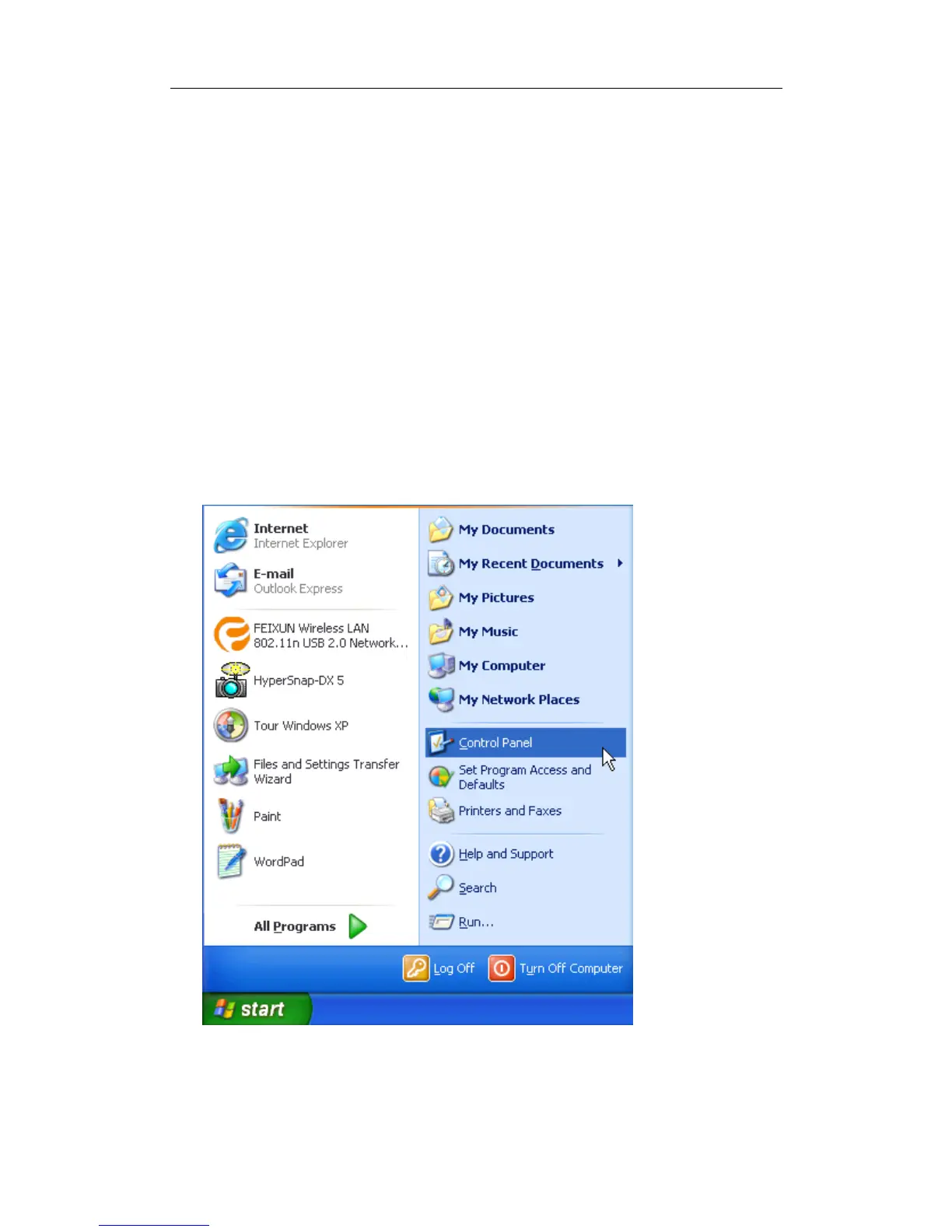
Step 1: Click Start, open the Control Panel.
Step 2: Double click Network Connection.



 To Next Page