Wireless-N USB Adapter User Manual
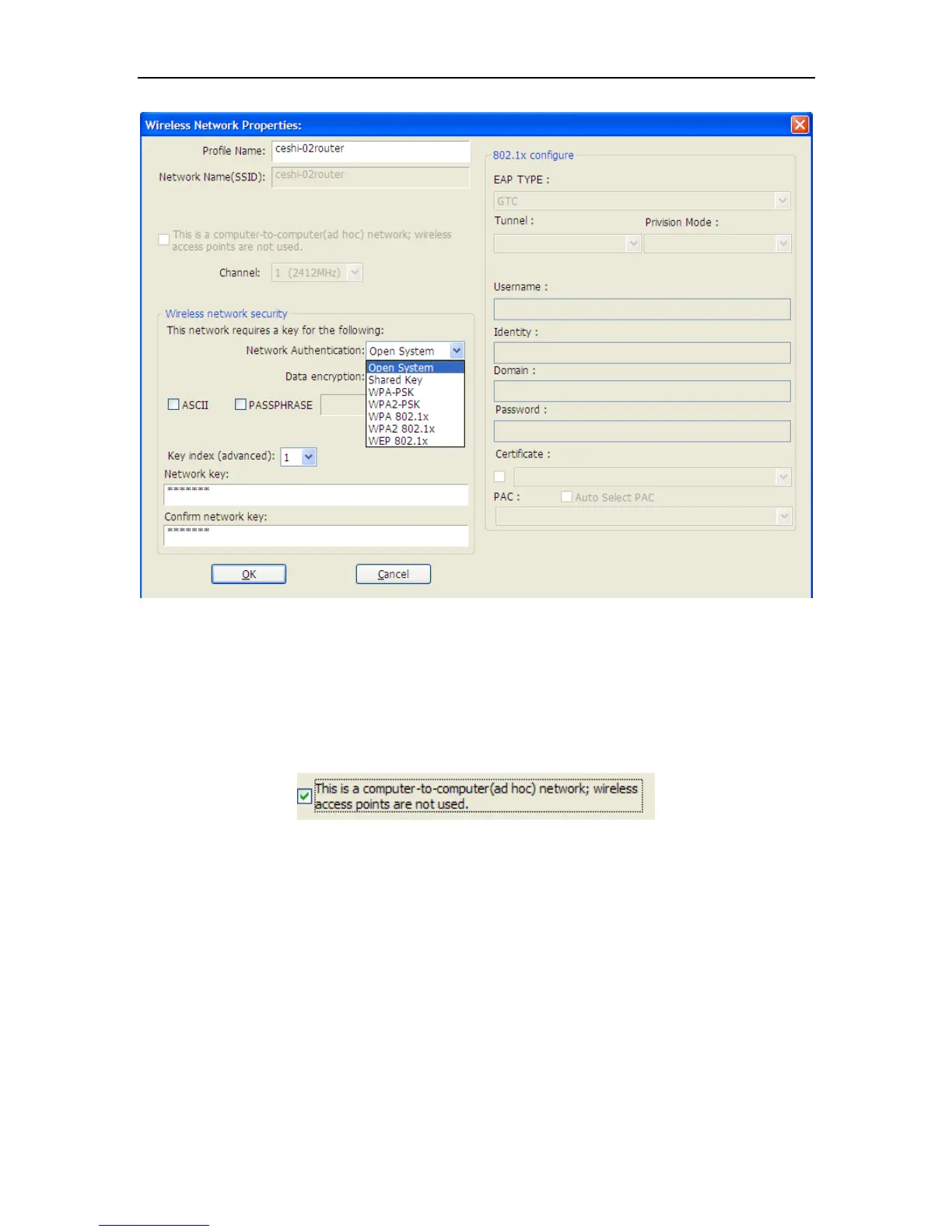
Figure 3-4
When the Network Info dialog box appears (the former picture), enter a name for the new profile.
Enter the Network SSID. Choose the Network Authentication Mode and Data encryption from the
drop-down menu and import the network key. Then click OK button.
Create a new ad-hoc mode profile
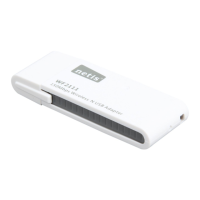
If you want your wireless computers communicate with each other directly, click the Add button
to create a new ad-hoc profile. Then, mark
Figure 3-5
and select the correct operating channel for your network from the Channel drop-down menu.


 To Next Page