Wireless-N USB Adapter User Manual
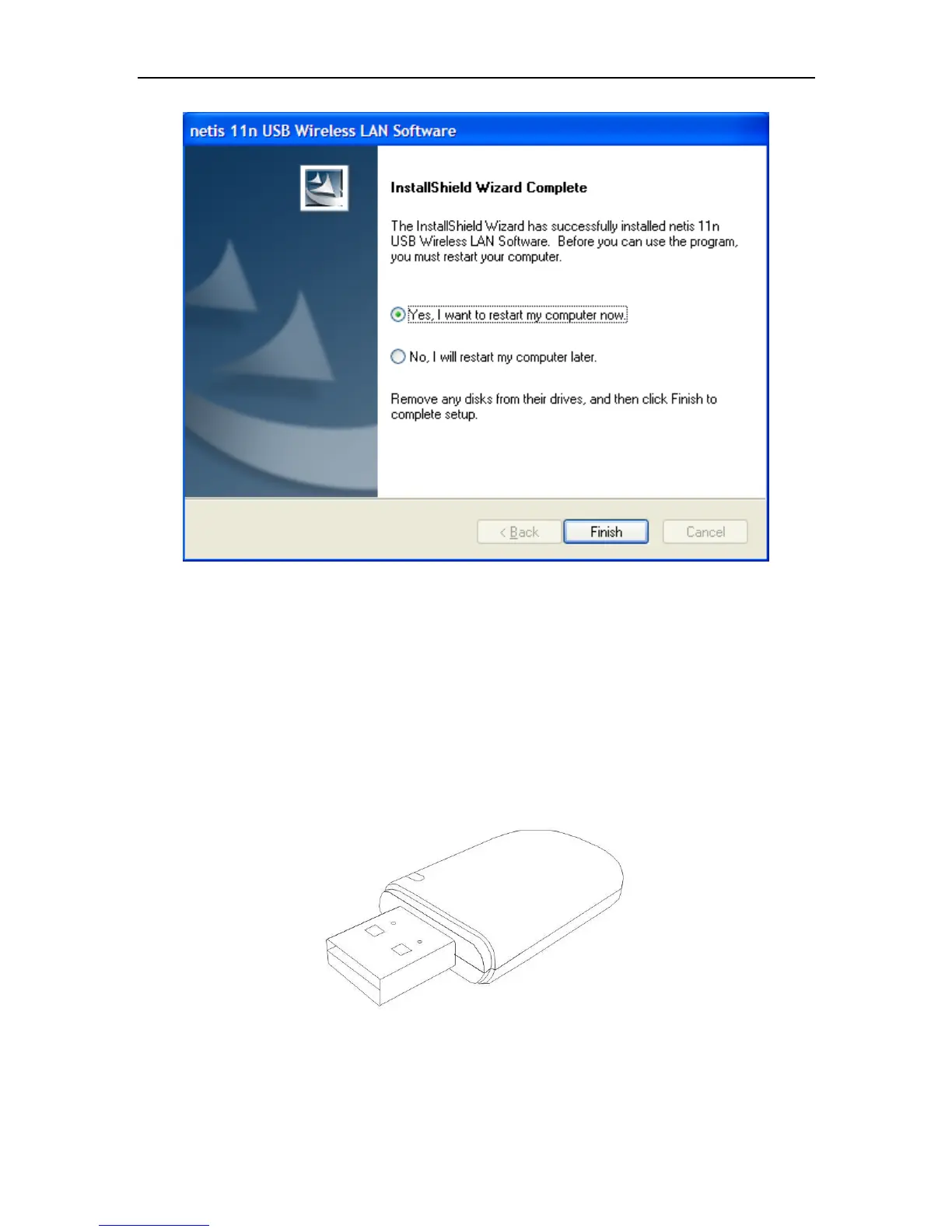
Figure 2-2
Follow the Install Shield Wizard steps, and click Finish when done.
Now your PC or notebook will restart automatically.
2.2 Hardware installation of the Wireless USB Adapter
This USB adapter is fully compliant with the specifications defined in IEEE802.11n standard. It is
designed to complement USB2.0 computers and supports Windows98/Me/2000/XP/Vista/7,linux
and MAC OS.
Figure 2-3
Install Wireless USB Adapter
Power on your PC, let the operating system boot up completely, and log in succeed.
Hold the adapter and insert it into a USB slot.(The adapter of demo figure is WF-2109)


 To Next Page