Wireless-N USB Adapter User Manual
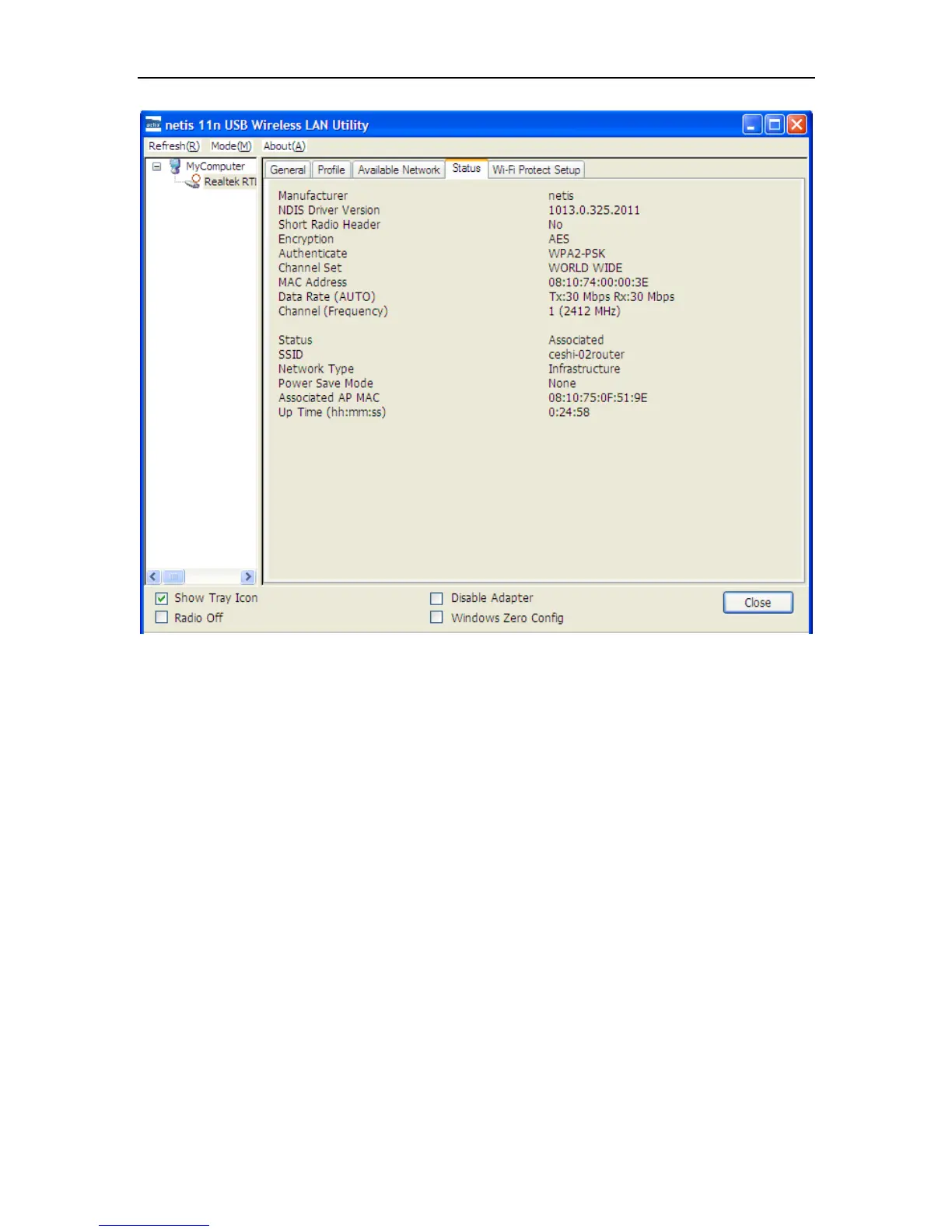
Figure 3-15
3.5 Wi-Fi Protect Setup
Wi-Fi Protect Setup (WPS) function can let you create a safety network easily. You can through
‘PIN Input Config (PIN)’ or ’Push Button (PBC)’to encrypt your network. This USB adapter also
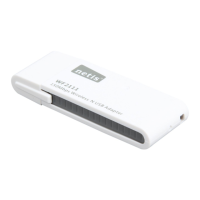
provides WPS button, you only need to push the WPS button in this USB adapter and the router
which support WPS function, then the router will be encrypted to WPA2-AES mode
automatically
Note:
The status of WPS in the router must be enabled
If you have configured encryption mode in your router, then when you use this WPS function,
please configure encryption mode to NONE, then it will be encrypted to WPA2-AES mode
automatically. If you don’t want to change your encryption mode, then when you use this
function, the router will be encrypted to the mode that you have configured.


 To Next Page