Wireless-N USB Adapter User Manual
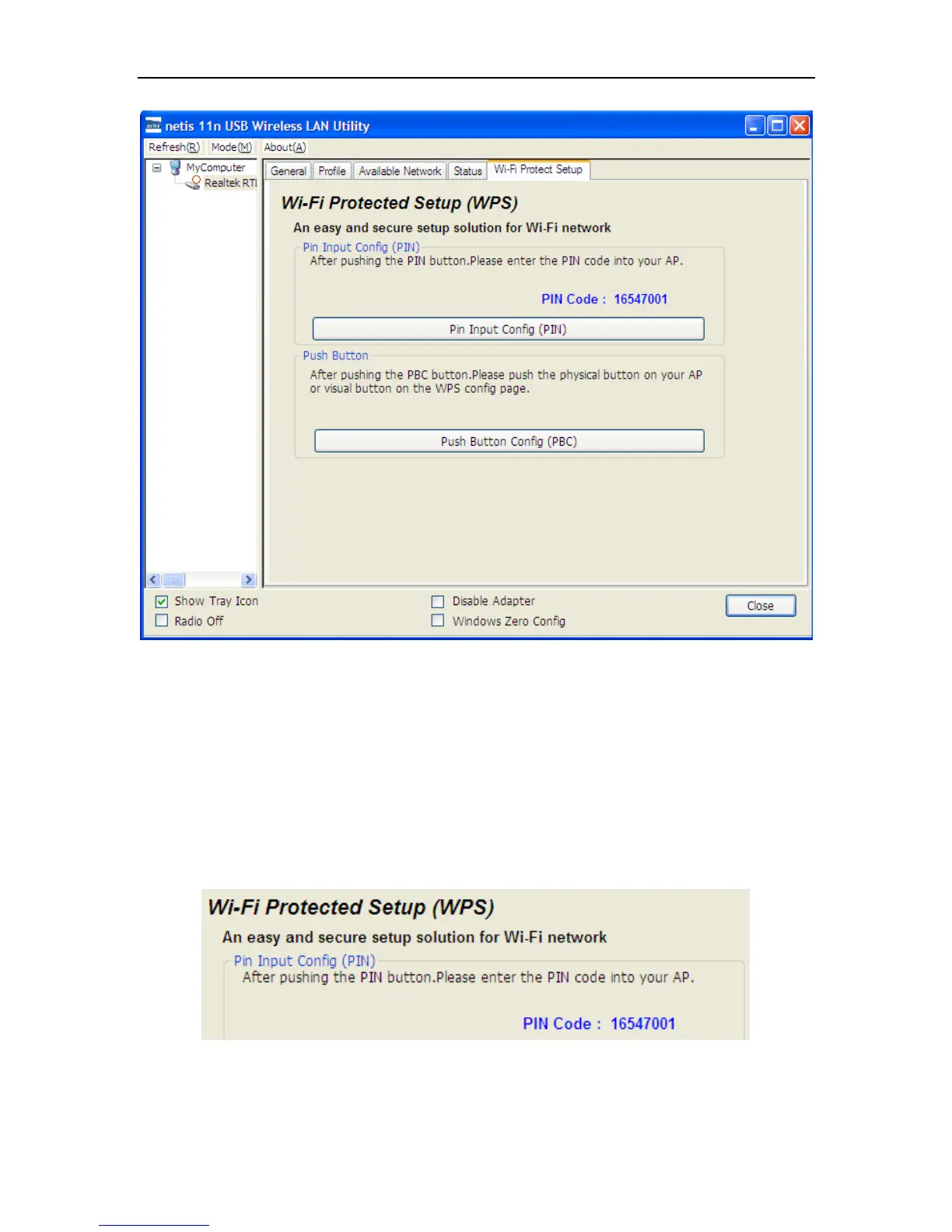
Figure 3-16
WPS can connect the wireless adapter and the router in a safe way. If you have a router which has
WPS button, you may set up a safe network via the following methods
Method 1:
Push the WPS button in the Router until the WPS LED flashes
Push the WPS button in this wireless network card for about 3-5 seconds
The safe connection will be established automatically, please wait
Method 2:
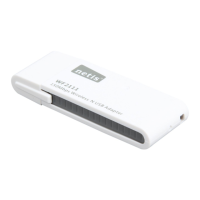
Input the PIN code of the adapter’s WPS page into the router’s WPS configure page, then
click ‘connect’
Figure 3-17


 To Next Page