Wireless-N USB Adapter User Manual
2 Driver and Hardware Installation
2.1 Driver installation of Wireless-N USB Adapter
Insert the Driver and Utility CD-ROM into the CD-ROM driver.
The Wizard should run automatically. If not, click the Start button and choose Run. In the
field that appears, enter D:\autorun.exe (if ‘’D’’ is the letter of your CD-ROM drive).
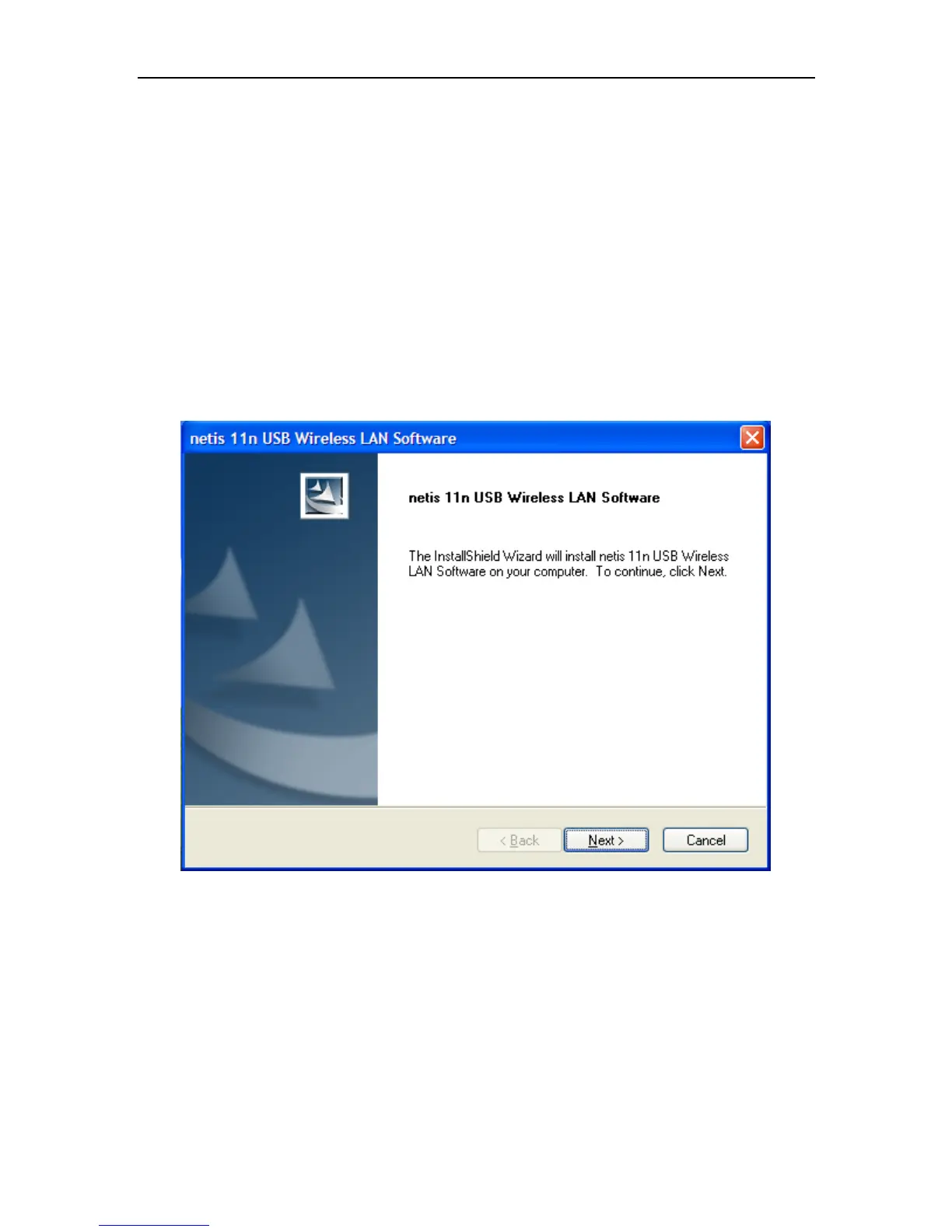
Click Install Driver & Utility for Wireless-N USB Adapter on the Wireless Client
Configuration Utility dialogue box, and then click Next button.
Figure 2-1
Click Next


 To Next Page