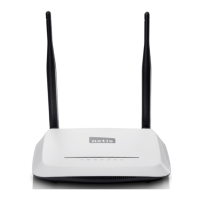
WF-2405 User Manual
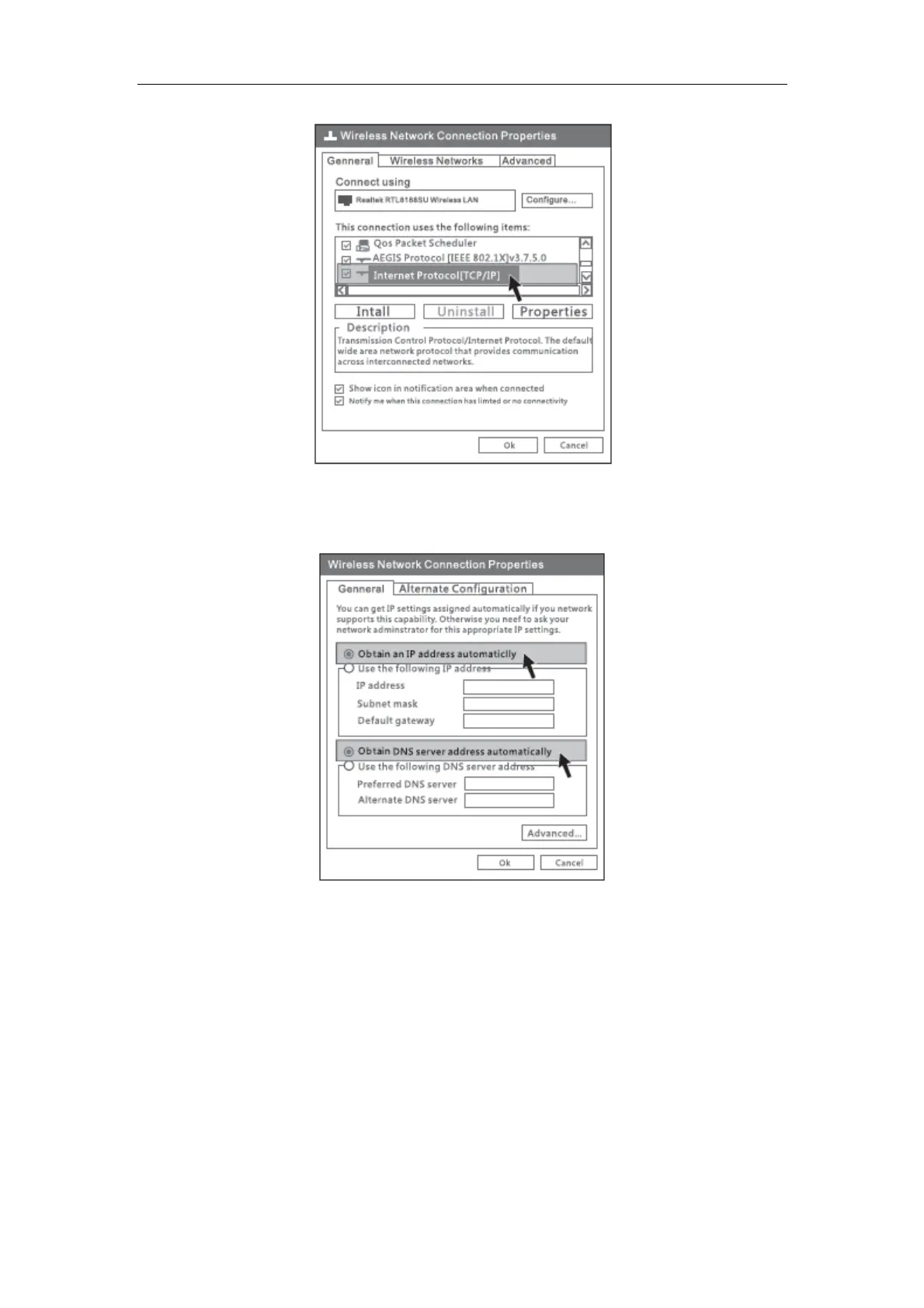
Figure 3-3
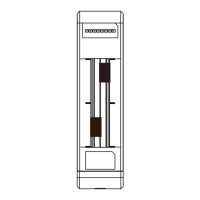
4) Choose “Obtain an IP address automatically” and “Obtain DNS server address
automatically”, then click “OK”.
Figure 3-4
5) Return to network connection window, choose “Wireless Network connection”, right
click, then choose “View Available Wireless Networks”.


 To Next Page