WF-2405 User Manual
Preamble Type: "Short Preamble" is suitable for heavy traffic wireless network. "Long
Preamble" provides much communication reliability; the default setting is "Long
Preamble”.
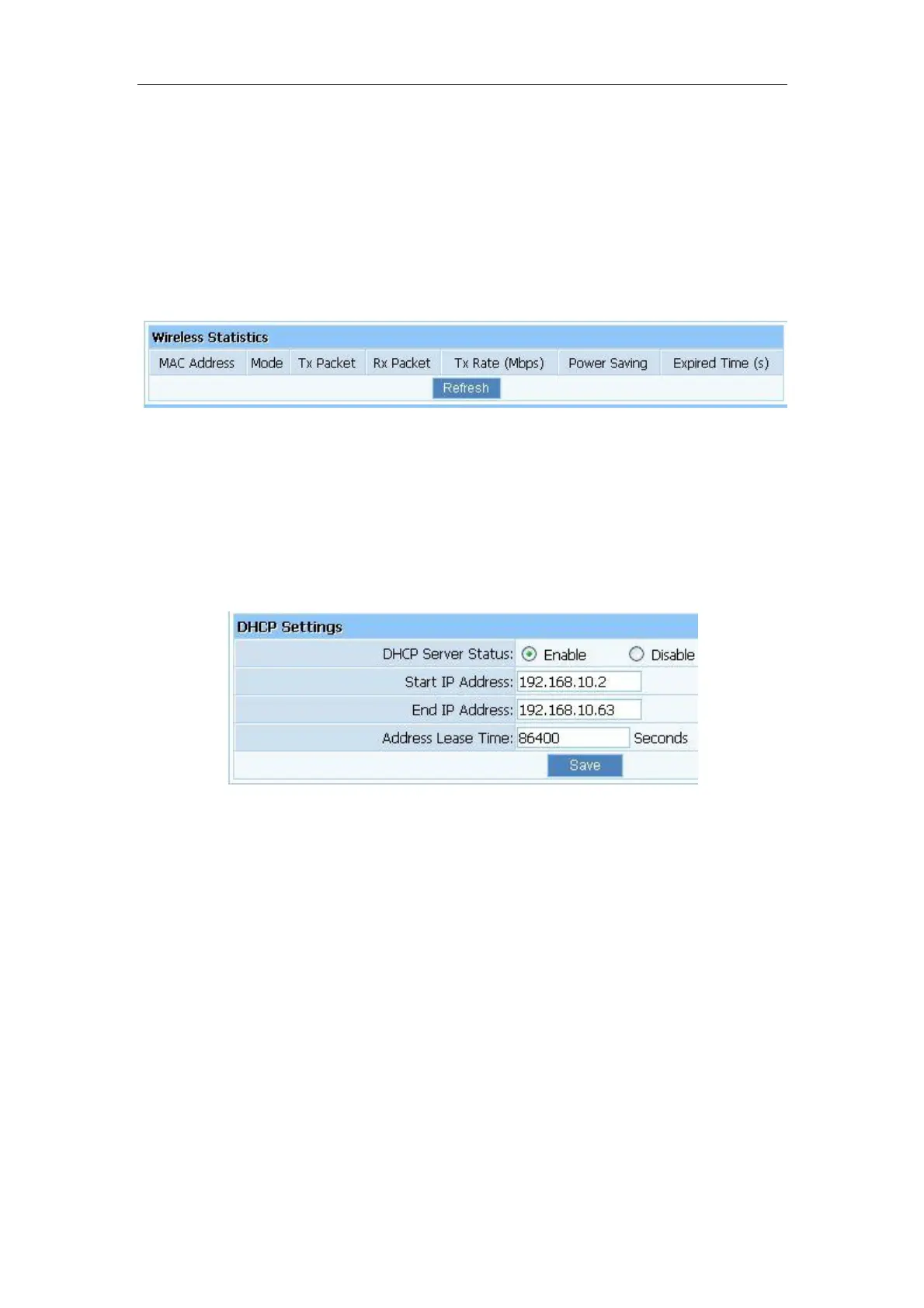
3.6.5. Wireless Statistics
Display current status of the wireless client associate with AP.
Figure 3-39
3.7. DHCP
3.7.1. DHCP Settings
Figure 3-40
DHCP Server Status: Keep the default setting “Enable”, so router is able to use DHCP
function. If a DHCP server has already existed in the network, please select “Disable”.
Start IP Address: The IP Address is used for allocate IP address by DHCP server; enter the
start IP address.
End IP Address: The IP Address is used for allocate IP address by DHCP server; enter the
end IP address.
3.7.2. DHCP Clients List
Display the state of assigned IP by DHCP Server.


 To Next Page