WF-2405 User Manual
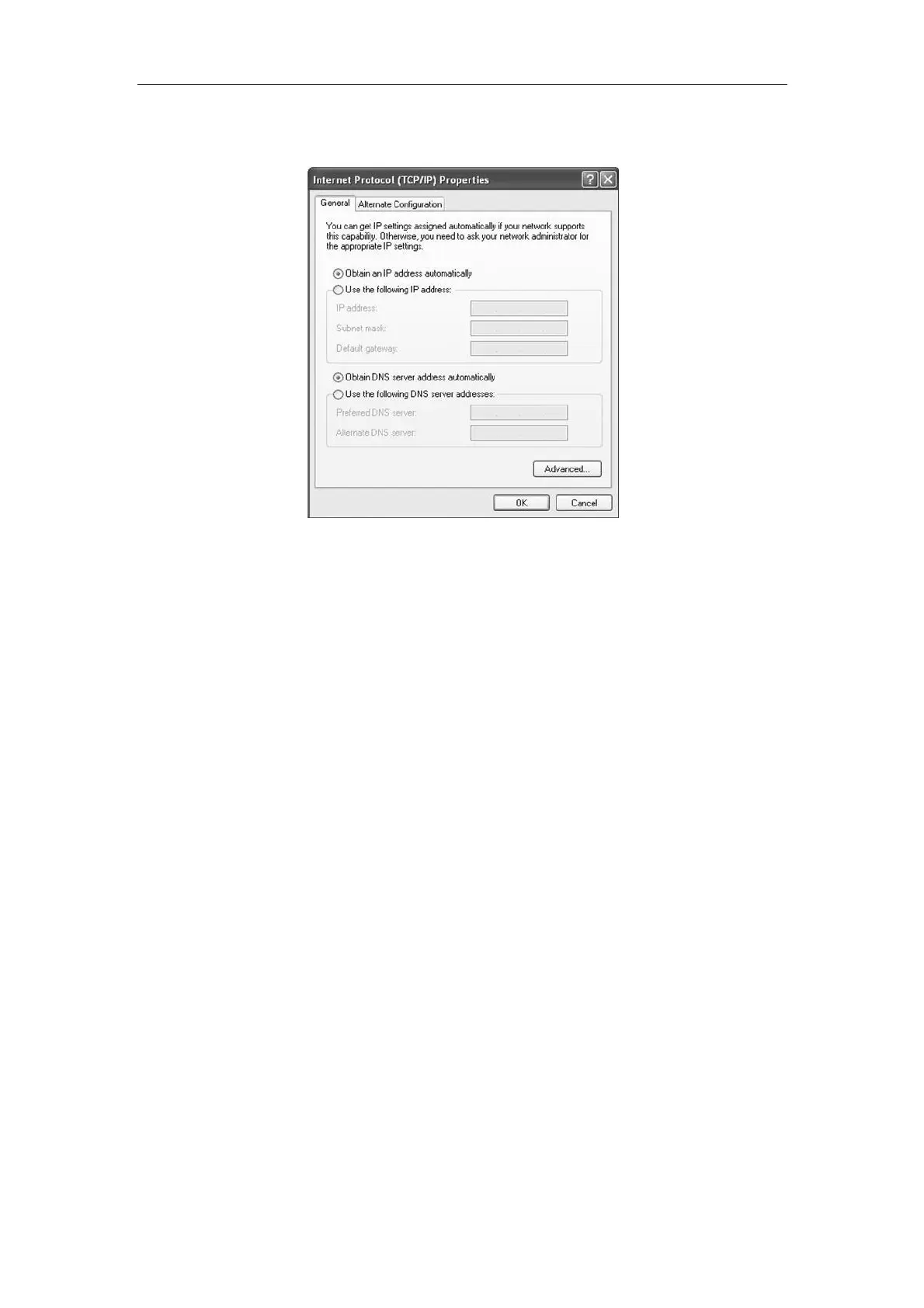
4) After finishing configure WF-2405, please return to your computer to change the IP
address. You can use static IP or obtain an IP automatically.
Figure 4-10
4.3. Status
Please refer to chapter 3.2 .
4.4. WPS Settings
Please refer to chapter 3.4 .
4.5. Network
Please refer to chapter 3.5 .
4.6. DHCP
Note: When the device works under client mode, it acts like a wireless adapter, don‟t need to
change this option. Keep its status disable, so your computer could get IP address from other
broadband device.
4.7. System Tools
Please refer to chapter 3.13 .


 To Next Page