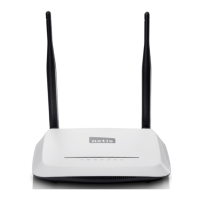
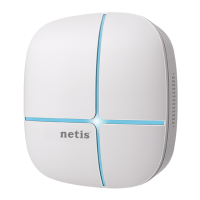
WF-2405 User Manual
4.8. About
Please refer to chapter 3.14 .
5. How to configure AP mode
5.1. Login web management page
Note: The DHCP server is disable under AP mode, so you need to configure a static IP
address for WF-2405, then you can login the web page of the device.
Connect your device following the network topology in figure 2-5, then configure your
computer follow procedures below.
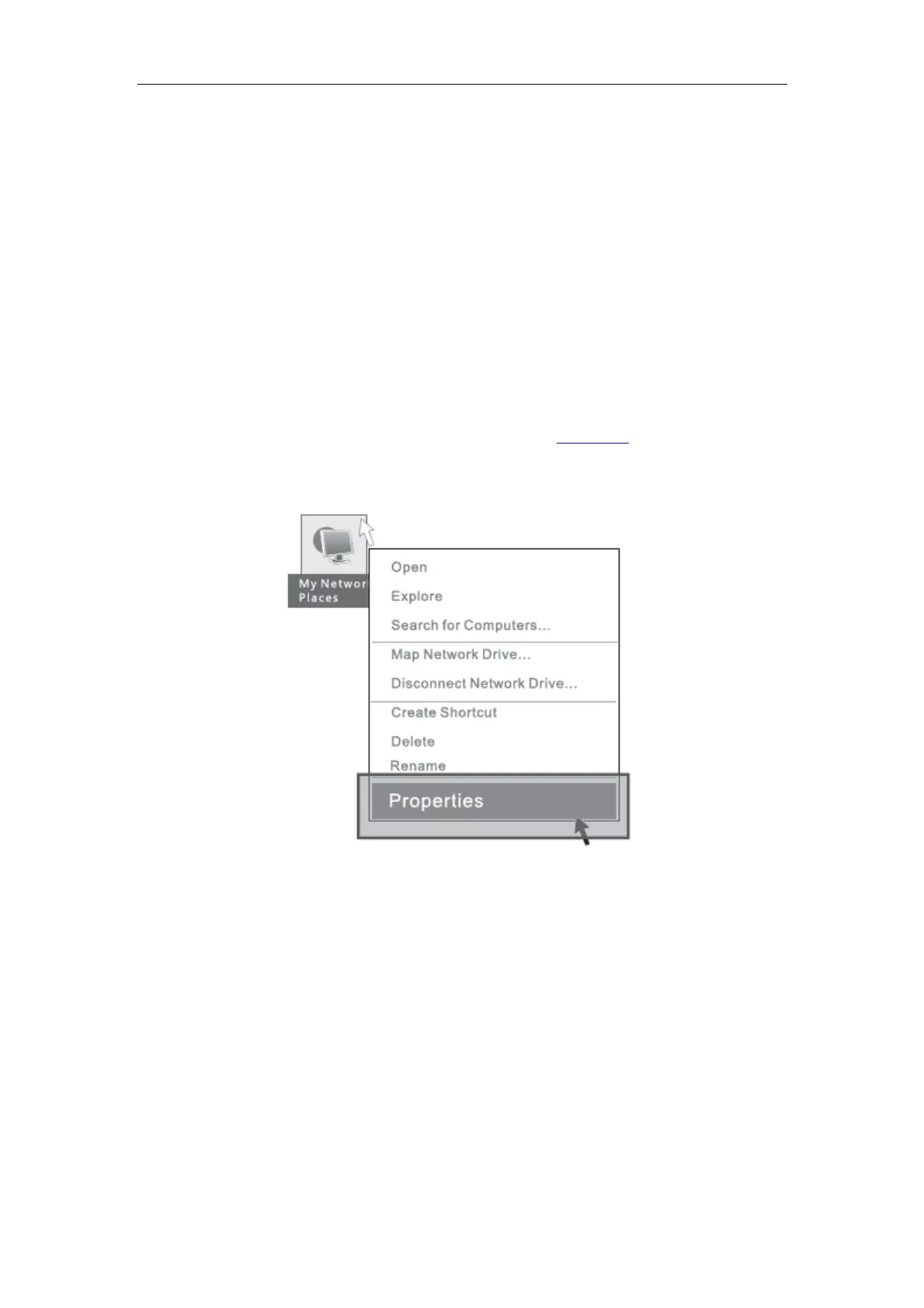
1) Select “My Network Places” on the desktop, right click, then choose “Properties”.
Figure 5-1
2) Select “Wireless Network Connection”, right click, then choose “Properties”.


 To Next Page