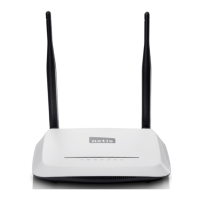
WF-2405 User Manual
Figure 3-7
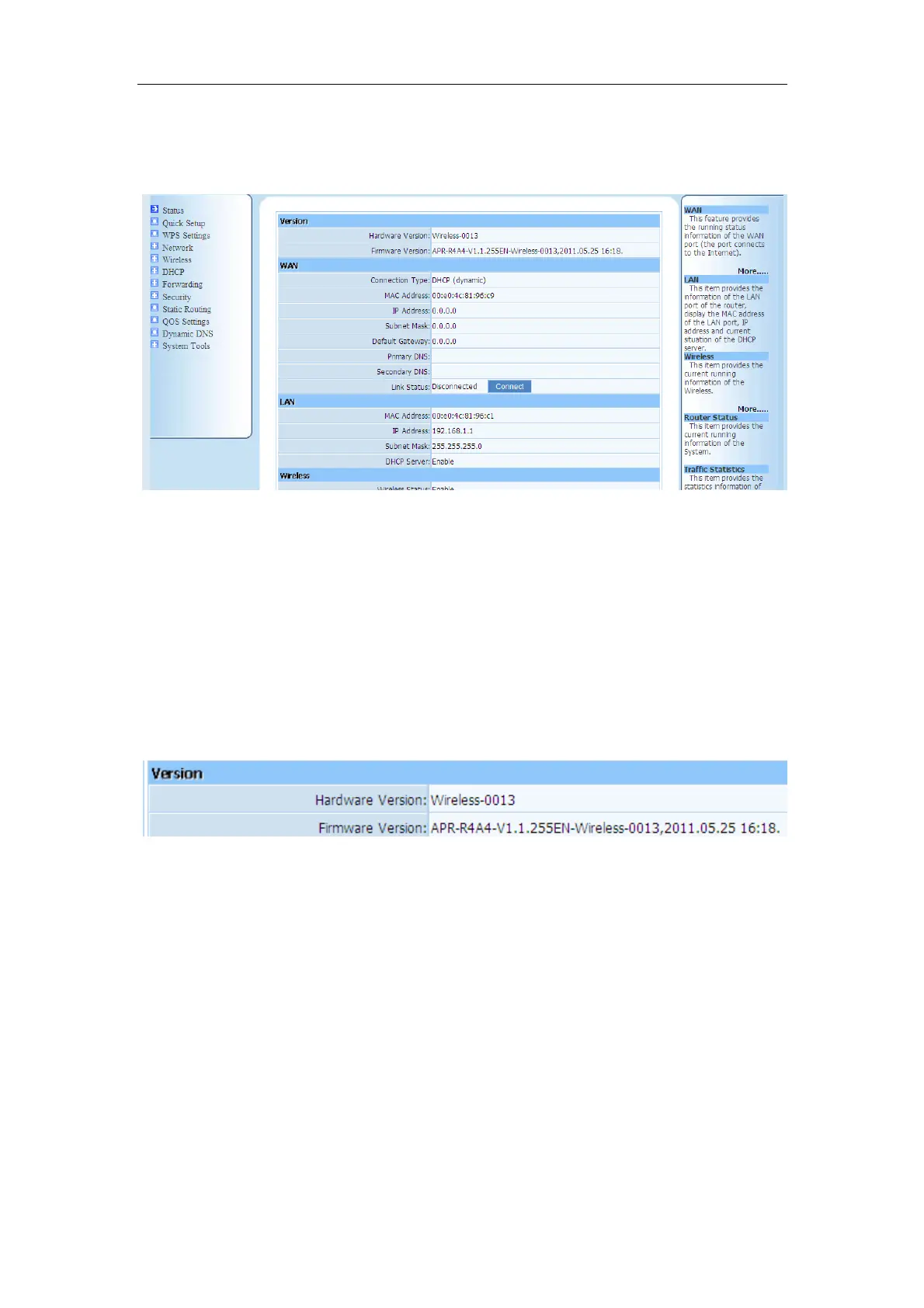
If you can see the picture as below(figure 3-8), that means you have successfully login web
management page of WF-2405. You can start configuring your WF-2405 now.
Figure 3-8
3.2. Status
This feature provides running status information and detailed information about router.
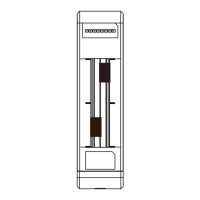
3.2.1. Version
Show the hardware version and firmware version.
Figure 3-9
3.2.2. WAN
This feature provides running status information of the WAN port (the port connect to the
Internet)


 To Next Page