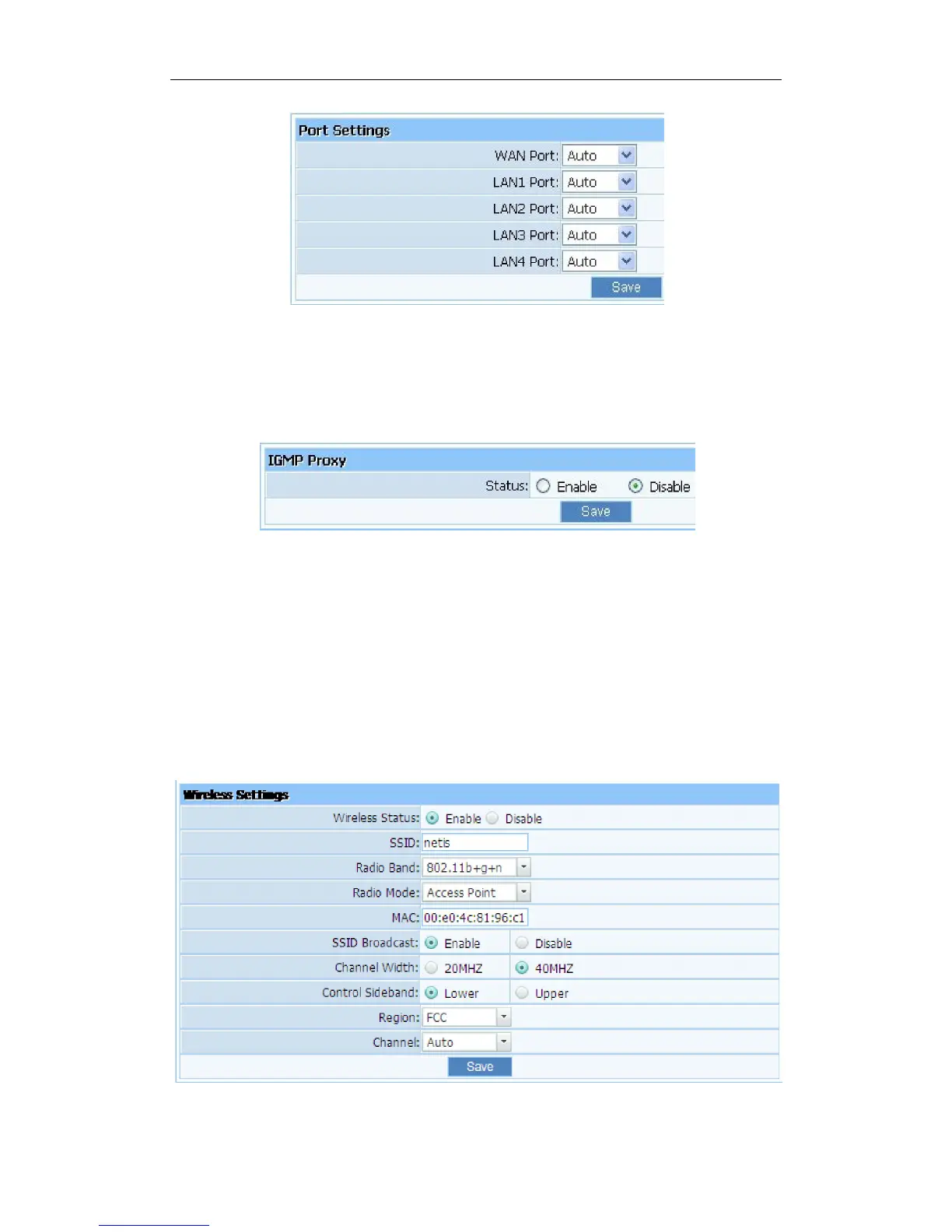
Figure 4-22
4.4.5. IGMP Proxy
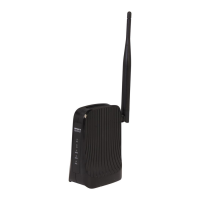
Here you can set the IGMP Proxy ‘Enabled’and‘Disabled’.
Figure 4-23
4.5. Wireless
4.5.1. Wireless Settings
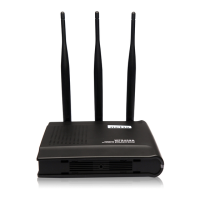
Providing basic configuration items for wireless router users, including“wireless network
status”, “SSID”, “Radio Band”, “Radio Mode”, “MAC”, “SSID broadcasting”, “Channel
width”, “Channel sideband”, “Region”and“Channel”severalbasic configuration items.
Figure 4-24



 To Next Page