NETmc Marine DVR Manual-Rev7.2 Dec 2020 13 of 52
© NETmc Marine Ltd 2020
Hitting Esc key or closing the UnDocked window will put it back where it came from in the main app.
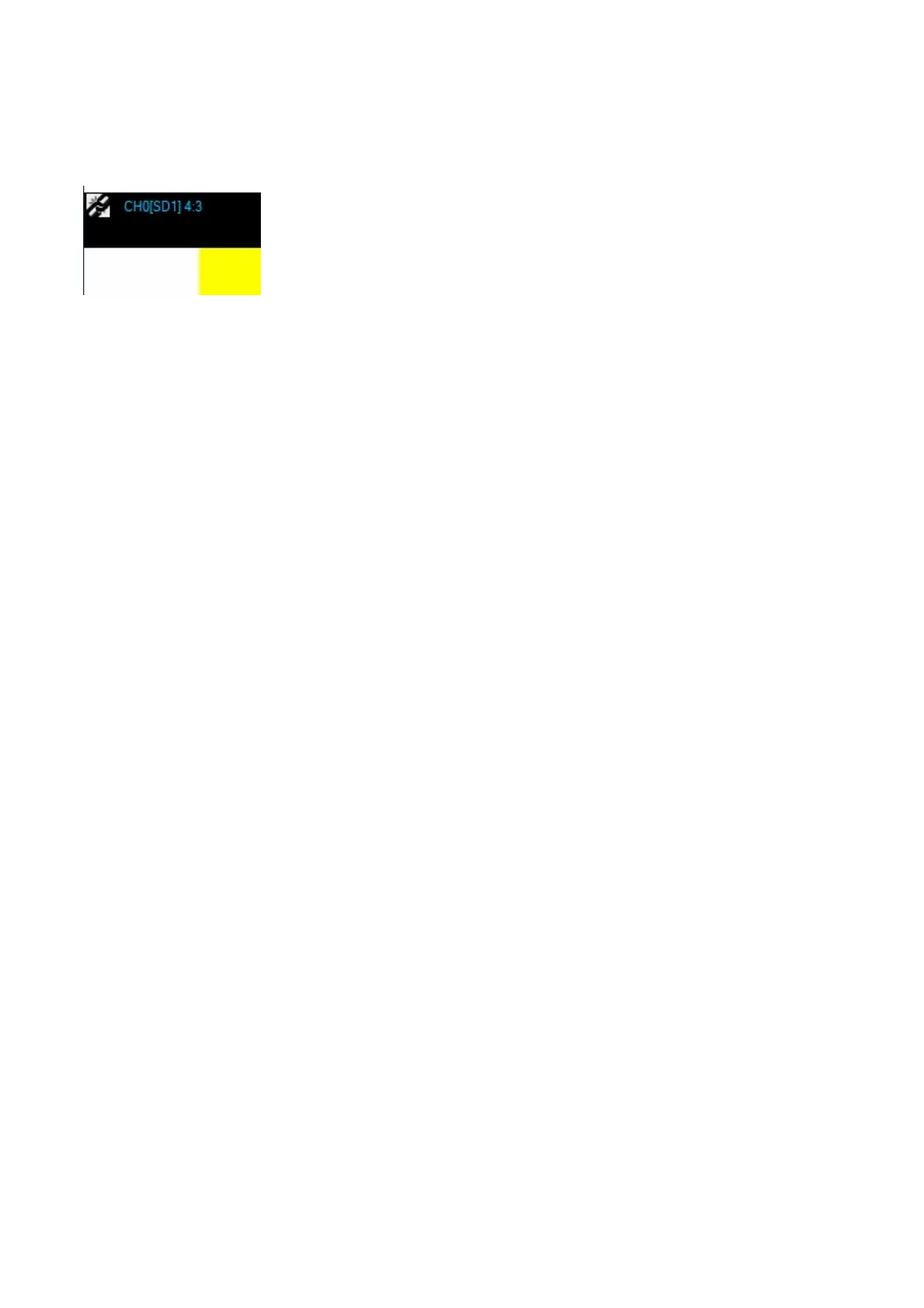
In the top left of the UnDocked video window is some information.
The Blue text tells you what channel and source its from and its aspect ratio
The linking icon is used to force the aspect ratio of the UnDocked video - - it might seem like a good
idea to stretch out the video to match your connected monitor – but it might be distorting the detail of
the image (making circles oval etc) – if it doubt – click the control in the corner and see the video
jump to its correct proportions


 To Next Page