NETmc Marine DVR Manual-Rev7.2 Dec 2020 46 of 52
© NETmc Marine Ltd 2020
Appendix 5
Eiva Interfacing
Is it very simple to configure the DVR for integration with EIVA survey software.
Online EIVA (NaviPac) can be used to start / stop the DVR along with survey start / stop – but the
main requirements are:
Ensure the DVR is pipeline enabled and is in Pipeline mode
Ensure the DVR has its clock synchronised with that of the EIVA main logging workstation
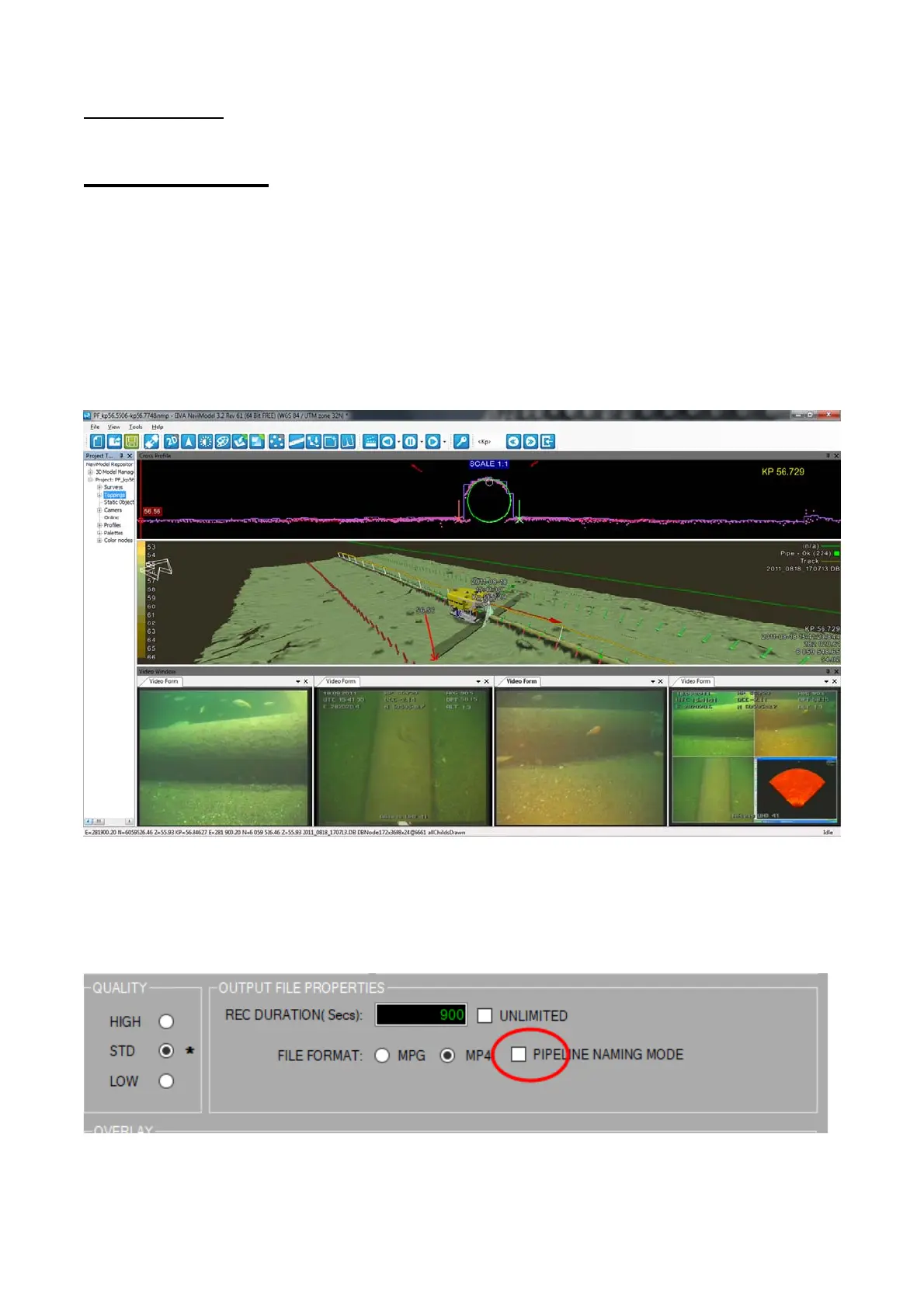
As long as the files have the correct time / date stamp in their file name – EIVA offline editing and
replay tools (NaviModel) will be able to open the video files and synchronise with events and other
data.
Setting DVR into Pipeline mode:
If the pipeline mode option has been licensed, there will be an additional tick box in the setup page
which does not appear when in single channel mode. (refer to section 11 in this manual)


 To Next Page