NETmc Marine DVR Manual-Rev7.2 Dec 2020 47 of 52
© NETmc Marine Ltd 2020
Ticking the box, circled in RED, will synchronise the multiple video images and ensure that the
output filename conform to the following format:
2017-0710-103917-000-UserInputFileName-CENTRE
2017-0710-103917-000-UserInputFileName-STB
2017-0710-103917-000-UserInputFileName-PORT
2017-0710-103917-000-UserInputFileName-AUX
This will allow them to be scanned and imported into various survey eventing and processing
packages (e.g. NaviModel). There are many ways to do with this – depending on what kind of
network you have onboard your vessel; here are three options:
1. Clock sync with NAV time / NaviPac PC
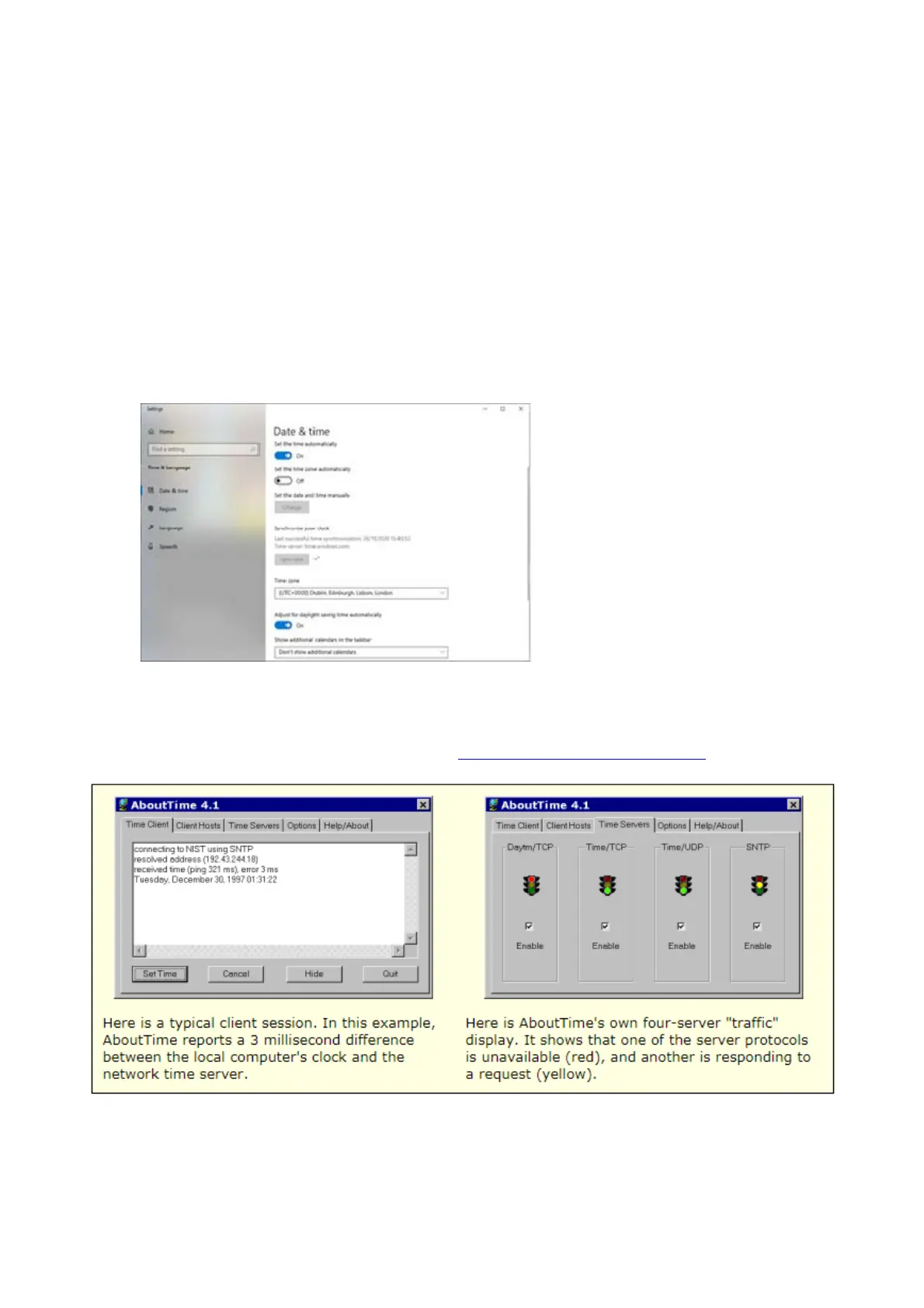
If you’re PCs have internet access – they can both be synced by windows time clocks.
2. If the NaviPac workstation is synchronised to GPS time already (via serial GPS input), it can
be made the NTPS (network time protocol server) using MS Windows tools
3. Use a 3
rd
party utility such as about time (https://arachnoid.com/abouttime/)


 To Next Page